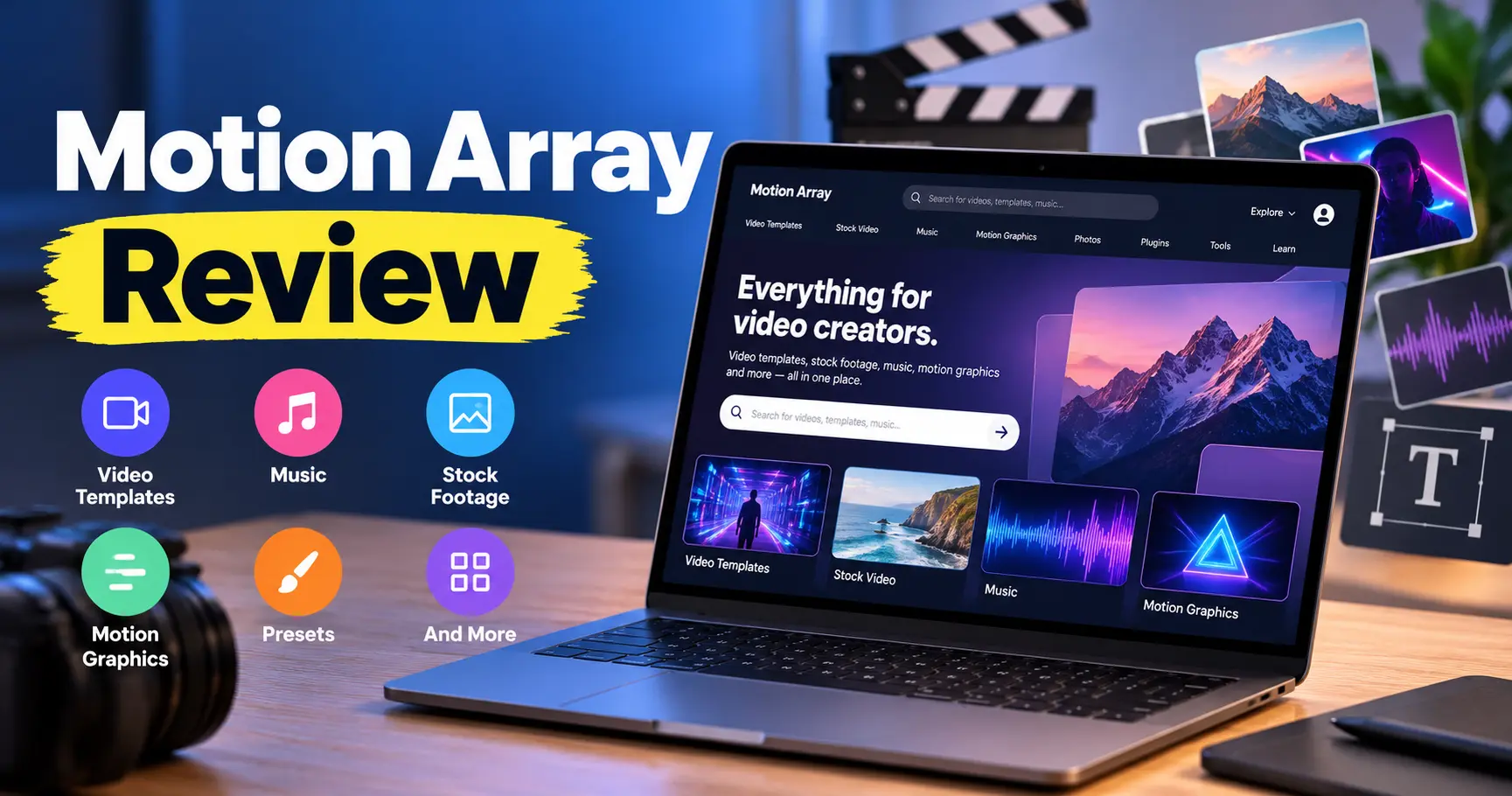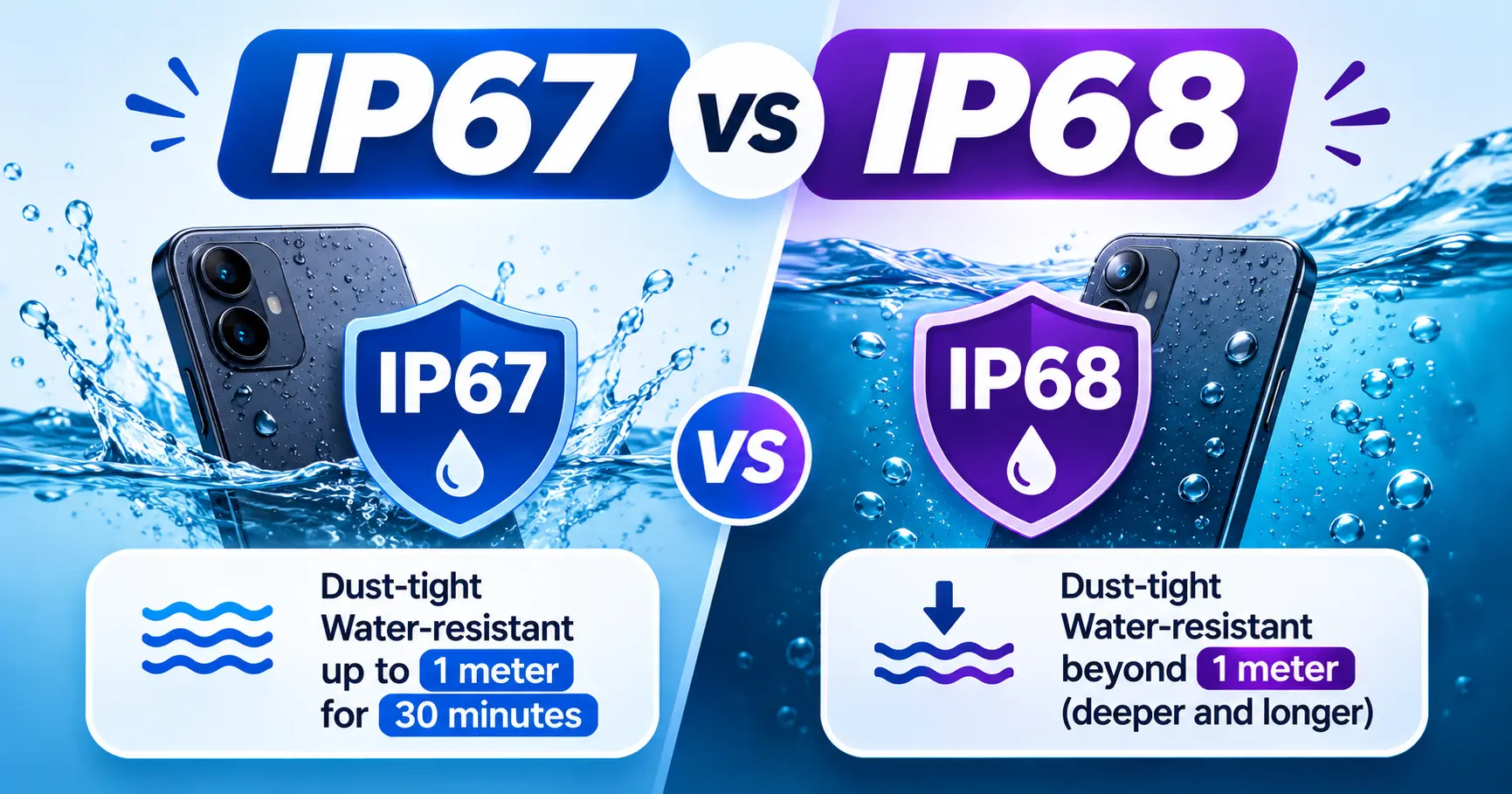

Mixkit (mixkit.co) is a free creative asset platform by Envato. It gives you 3,000+ royalty-free sound effects, 46,000+ stock video clips, and video editing templates, all with no sign-up and no attribution required. Beyond video production, Mixkit’s .WAV-format sound files can work as practical ear-diagnostic tools. Play them through your phone or laptop speaker and the way they sound tells you if water damage, grill blockage, or a broken speaker diaphragm is hurting your audio quality.
Introduction
You download a clean sound effect from mixkit.co. You drop it into your video project, export the file, and play it back. It sounds terrible.
Most creators assume the file is the problem.
Most of the time, the real issue is the speaker they used to check the audio.
This page covers what Mixkit.co is, what its free sound effects library holds, how to download files in seconds, and a speaker-testing use that almost no one talks about. By the end, you will know exactly which Mixkit sounds to play to find out what is wrong with your phone or laptop speaker before it ruins your next project.
What Is Mixkit.co and Who Is It For?
Mixkit.co is a free creative asset platform run by Envato. Envato built it in 2019 to give content creators access to high-quality free stock audio and video assets without any cost.
The platform now holds more than 50,000 creative assets. Those include 46,000+ free stock video clips, 3,000+ free sound effects, 800+ video editing templates, and a music track library that keeps growing. You do not need an account. No subscription. No credit card. No sign-up at all.
Mixkit attracts around 1.2 million visitors every month. That number reflects how many video editors, podcasters, and creators depend on it for copyright-safe, royalty-free audio and video files.
People who use Mixkit most often include:
- YouTubers and TikTok creators who need royalty-free audio without Content ID claims
- Video editors working in Adobe Premiere Pro, DaVinci Resolve, or Final Cut Pro
- Podcasters looking for free intro music and transition stingers
- Game developers who need quick sound effect downloads
- Educators putting together classroom video projects
If you need free creative assets you can use in commercial projects without copyright concerns, Mixkit is one of the fastest places to find them.
What Sound Effects Does Mixkit.co Have?
Mixkit’s sound effects library holds more than 3,000 free sound clips across 15+ categories. You can browse by category or type a keyword into the search bar. Every file downloads in .WAV format. That matters because .WAV is uncompressed audio. It holds all the original frequency detail with no codec compression artifacts. For anyone using these files to check speaker sound quality, that clean, uncompressed format gives you the most accurate result.

Here is a breakdown of the main sound effect categories on Mixkit:
| Category | What You Will Find |
| Technology | Electronic hums, machine engine loops, sci-fi alerts, drone sounds |
| Transitions and UI | Click sounds, positive alerts, notification tones, digital swipes |
| Nature | Water drops, rain, cave echoes, forest ambience, thunder |
| Human Voices | Speech samples, crowd noise, vocal cues, countdown voices |
| Instruments and Bass | Low bass tones, drum hits, robotic buzz sounds, deep frequency rumbles |
| Game Sounds | Arcade bleeps, impact effects, power-ups, coin sounds |
| Lifestyle | Kitchen sounds, footsteps, door sounds, everyday ambient audio |
| Cinematic | Dramatic hits, suspense builds, film-style impact effects |
Which Mixkit Sound Categories Are Best for Audio Testing?
For anyone checking phone speaker sound quality, the four most useful categories are Technology, Instruments and Bass, Transitions and UI, and Human Voices. These four categories cover the full frequency range from deep bass all the way to crisp high-frequency tones. Together, they give you a solid picture of your speaker’s audio quality in about two minutes.
Is Mixkit.co Really Free? The License Explained Simply
Yes. Mixkit is genuinely free for both personal and commercial projects. Sound effects on the platform fall under the Sound Effects Free License. That license covers YouTube videos, social media posts, podcasts, radio broadcasts, TV, film, and paid commercial projects. No attribution required.
Right now, 64% of digital creators have experienced automated Content ID copyright claims on YouTube. Free stock audio platforms like Mixkit exist partly because of that problem. Mixkit’s sound effects carry verified Envato-backed rights, which means no surprise claim after you publish.
The one restriction is clear: you cannot take the raw sound effect files and redistribute them as a competing royalty-free audio library. Every other use is covered.
One thing to keep in mind: Mixkit uses separate license rules for each asset type. Stock video clips, music tracks, sound effects, and video templates each carry their own terms. Sound effects have the broadest license. Music tracks have slightly more restricted commercial rules. Always check the license label on the specific file before using it in broadcast advertising or sync licensing work.
How Do You Download Sound Effects from Mixkit.co?
The download process takes less than 30 seconds:
- Go to mixkit.co/free-sound-effects/
- Browse by category or type a keyword into the search bar
- Click any sound clip to hear a preview before downloading
- Click the download button to save the file
The .WAV audio file downloads directly to your device. No account. No email address. No waiting. The file is ready as soon as you click.
Once downloaded, play it through your phone or laptop at full volume. The way your speaker handles the audio tells you a lot about its current condition. For a more precise picture of your speaker’s health, run the free Speaker Sound Test at fixmyspeaker.tech. It checks stereo balance, mid-range vocal response, and treble clarity in your browser with no download required.
How to Use Mixkit Sound Effects to Diagnose Your Speaker
This is the part that almost no Mixkit review in 2026 covers. It is also the most practical thing on this page.
Your speaker is a mechanical device. It moves air to produce sound. When water, dust, or physical damage gets in the way, the speaker cone cannot move correctly. The audio that comes out reflects that problem in specific, recognizable ways.

Mixkit’s categorized free sound effects give you a simple set of test audio files. Download one sound from each category in the table below. Play it at 100% volume through your device. What you hear, or what you do not hear, points directly at the fault.
| Mixkit Sound Category | Example Track | Frequency Range | What It Tests | Warning Sign |
| Technology / Electronics | “Industrial machine engine hum loop” | 60-200Hz | Bass and low-frequency speaker driver | Muddy, buzzing, or rattling sound |
| Transitions / UI | “Positive tech alert” | 2,000-8,000Hz | High-frequency speaker clarity | Tinny, distorted, or absent treble |
| Nature / Ambience | “Water drop splashes in cave” | 100-4,000Hz | Full frequency response check | Muffled or underwater quality |
| Instruments / Bass | “Undertone bass item” | 80-300Hz | Speaker cone movement and bass response | Crackling or clipping at volume |
| Human Voices | “Male voice countdown” | 300-3,000Hz | Mid-range speaker clarity | Muffled speech, hard to understand |
| Game / UI Sounds | “Sci-fi positive item grab” | 500-12,000Hz | Broad mixed frequency simulation | Any range absent or distorted |
Play each one. Listen carefully. You are not listening for enjoyment. You are listening for anything that sounds wrong: buzzing, crackling, a muffled quality, missing high-frequency detail, or a rattling sensation when the bass plays.
What Does Distorted Bass Sound Like on a Damaged Speaker?
When you play a low-frequency Mixkit track like a bass rumble or machine engine hum, a working speaker produces a clean, deep tone. If you hold the phone while it plays, you feel the vibration slightly in your hand.
A damaged speaker sounds different. The bass might sound bloated and unclear instead of tight and controlled. You might hear a buzzing or rattling that does not match the audio. If you hear crackling when the bass transient hits, the speaker cone is likely making contact with debris or a water droplet sitting directly on the diaphragm.
The speaker resonant frequency on most phones sits between 140Hz and 170Hz, with 165Hz being the standard acoustic test point for water detection. If a Mixkit bass sound in that range sounds wrong, water damage or debris on the cone is the most likely cause.
What Does Muffled Mid-Range Indicate?
The mid-range covers human voices, instruments, and most everyday sounds. When a Mixkit voice sample sounds like someone put a cloth over the speaker, the grill is probably blocked.
Dust and lint pack into the speaker mesh over time. The mesh works as a physical filter. When it clogs, it cuts mid-range audio first. High-frequency detail drops too, but the voice range is where most people notice the problem first. A blocked grill also reduces overall sound fidelity because the audio has to push through a partly blocked exit point.
If mid-range audio from Mixkit sounds muffled and thin even at full volume, your speaker grill needs cleaning before you trust it for any production work.
What Mixkit Sound Effects Reveal About Water Damage Specifically
Water damage creates specific audio symptoms. Once you know what to listen for, a downloaded Mixkit file makes them easy to catch.

Play Mixkit’s “Industrial machine engine hum loop” or any deep bass file at full volume. If the sound gurgles, bubbles, or carries that underwater quality, liquid is sitting on the speaker diaphragm. The water vibrates along with the cone and creates that distorted sound.
Play a Mixkit UI click or positive alert sound next. If that sharp, high-pitched click comes out raspy or crackly, a water droplet is in contact with the audio output path.
Play a voice sample last. If the voice sounds distant and thin even at maximum volume, water has partly blocked the speaker grill mesh. This blocks acoustic resonance and kills the audio quality your ear expects to hear at that frequency.
I tested this on a water-exposed phone using a Mixkit bass rumble track. The moment I hit play, the gurgling distortion was obvious. Within seconds, I knew exactly what the problem was and what to do next.
If you hear any of these water damage audio symptoms, act quickly. Use the free water ejection tool at fixmyspeaker.tech to push the liquid out with 165Hz acoustic vibration before it moves toward the circuit board. For iPhone-specific water damage, the dedicated iPhone speaker water damage guide on fixmyspeaker.tech walks through the correct device orientation step by step.
Mixkit vs. Purpose-Built Speaker Test Tones: Which Should You Use?
Mixkit’s sound effects work well for a quick ear-diagnostic check. They show symptoms clearly: does something sound wrong, is the bass rattling, is mid-range muffled?
The limit is precision. Mixkit sounds are production audio files, not calibrated test signals. They carry harmonic content and complex waveforms. That makes them good for detecting problems by ear, but not for mapping exact frequency response across a measured sweep.
Purpose-built test tones use pure sine waves. A pure sine wave at 1,000Hz tells you exactly how your speaker handles that precise frequency. No added harmonics from a production recording. No white noise floor from ambient microphone capture.
Here is how the two options compare side by side:
| Feature | Mixkit Sound Effects | Purpose-Built Test Tones |
| Best for | Ear-diagnostic “does something sound wrong?” | Precise frequency response mapping |
| Audio format | Complex production audio (.WAV) | Pure sine wave signal |
| Download required | Yes, save a file to your device | No, runs directly in browser |
| Beginner-friendly | Yes, sounds recognizable | Less intuitive without context |
| Detects water damage | Yes, via gurgling and crackling symptoms | Yes, at specific Hz values |
| Cost | Free | Free |
For a precision test with no file download needed, run the free Speaker Sound Test at fixmyspeaker.tech. It plays calibrated test frequencies in your browser and checks mid-range vocal response, high-frequency treble, and stereo channel balance in under two minutes.
Mixkit.co Alternatives for Free Sound Effects
Mixkit is one of several platforms offering free audio files for video production and speaker audio quality checks. Here are four others worth knowing:
Freesound.org: A community-built sound library with hundreds of thousands of uploaded sound effects. License types vary per file, so check each one before using it commercially. Strong for field recordings, acoustic tones, and white noise samples that work well for speaker testing. Requires a free account.
Pixabay Audio: Free sound effects and music with no attribution required on most files. No account needed for most downloads. Good for nature sounds and ambient audio. Files come in both .MP3 and .WAV format depending on the clip.
Zapsplat: A large sound effects library with free access when you add attribution to your project. Covers technology sounds, UI effects, and environmental recordings in a wide variety of categories.
Fix My Speaker Sound Test (fixmyspeaker.tech): This is not a download library. If your goal is testing your speaker directly rather than downloading production files, the browser-based Speaker Sound Test is the faster path. It runs calibrated diagnostic frequencies on-screen with no download and no sign-up. The free stereo sound tester also checks your left and right channel balance separately.
Restore Clear Audio Before Your Next Session
Mixkit.co gives you a large library of free, professionally curated audio that downloads in uncompressed .WAV format with no sign-up and no attribution required. The 3,000+ sound effects cover every frequency range, from deep bass to sharp high-frequency tones, and the Sound Effects Free License covers everything from YouTube to radio broadcast.
Those same sound files can also tell you whether your speaker is healthy before you trust it for any creative project. Play a bass file, a UI click, and a voice sample. Listen carefully. Your speaker’s response reveals exactly what condition it is in.
If any Mixkit sound brings up distortion, buzzing, crackling, or muffled audio, fix the problem now. Use Fix My Speaker’s free browser-based Speaker Sound Test to pinpoint the fault, and use the 165Hz water ejection tool to clear it. No app download. No cost.
Frequently Asked Questions
Is Mixkit.co really free to use in commercial projects?
Yes. Mixkit’s sound effects fall under the Sound Effects Free License. You can use them on YouTube, social media, podcasts, film, radio, TV, and paid ads. No attribution required. The one restriction is that you cannot redistribute the raw .WAV files as a competing royalty-free audio library.
What sound formats does Mixkit offer?
Mixkit sound effects download in .WAV format, which is uncompressed audio. This makes the files accurate for professional production work and for speaker quality checks, because no lossy compression artifacts distort what you hear. Some music tracks also come in .MP3 format.
Can I use Mixkit sounds to test if my phone speaker is working?
Yes. Download a Mixkit bass sound and a voice sample. Play each one at full volume on your device. If the bass sounds muddy or crackly, or if the voice sounds muffled and distant, your speaker likely has water blockage, dust in the grill, or damage to the speaker diaphragm. For a more precise check, use the free Speaker Sound Test at fixmyspeaker.tech, which runs calibrated test tones directly in your browser.
Does Mixkit require an account or email sign-up?
No. Browse the full Mixkit library and download any file without creating an account or entering an email address. Click the download button and the .WAV file saves to your device immediately. This is fast enough to use right after water exposure when you need a quick audio quality check before deciding what to do next.
What are the best Mixkit sound categories for a video project?
For video editing work, the most-used categories are Transitions and UI for cuts and scene changes, Lifestyle for everyday ambient audio, Technology for electronic and mechanical effects, and Cinematic sounds for drama and tension. For phone speaker sound quality testing specifically, the Technology and Instruments/Bass categories hold the low-frequency audio that reveals speaker health fastest.
How many sound effects does Mixkit have in 2026?
Mixkit’s sound effects library holds more than 3,000 free clips as of 2026. The full platform carries over 50,000 creative assets, including stock video, music, and video templates. New content is added weekly.
What is the difference between Mixkit and Envato Elements?
Mixkit is Envato’s free platform. No payment, no subscription, and a smaller library. Envato Elements is Envato’s paid service offering 29 million plus assets including premium stock content, fonts, and graphics for around $16.50 per month with unlimited downloads. Mixkit works well for zero-budget creators. Envato Elements suits production workflows that need a much larger and more specialized asset pool.