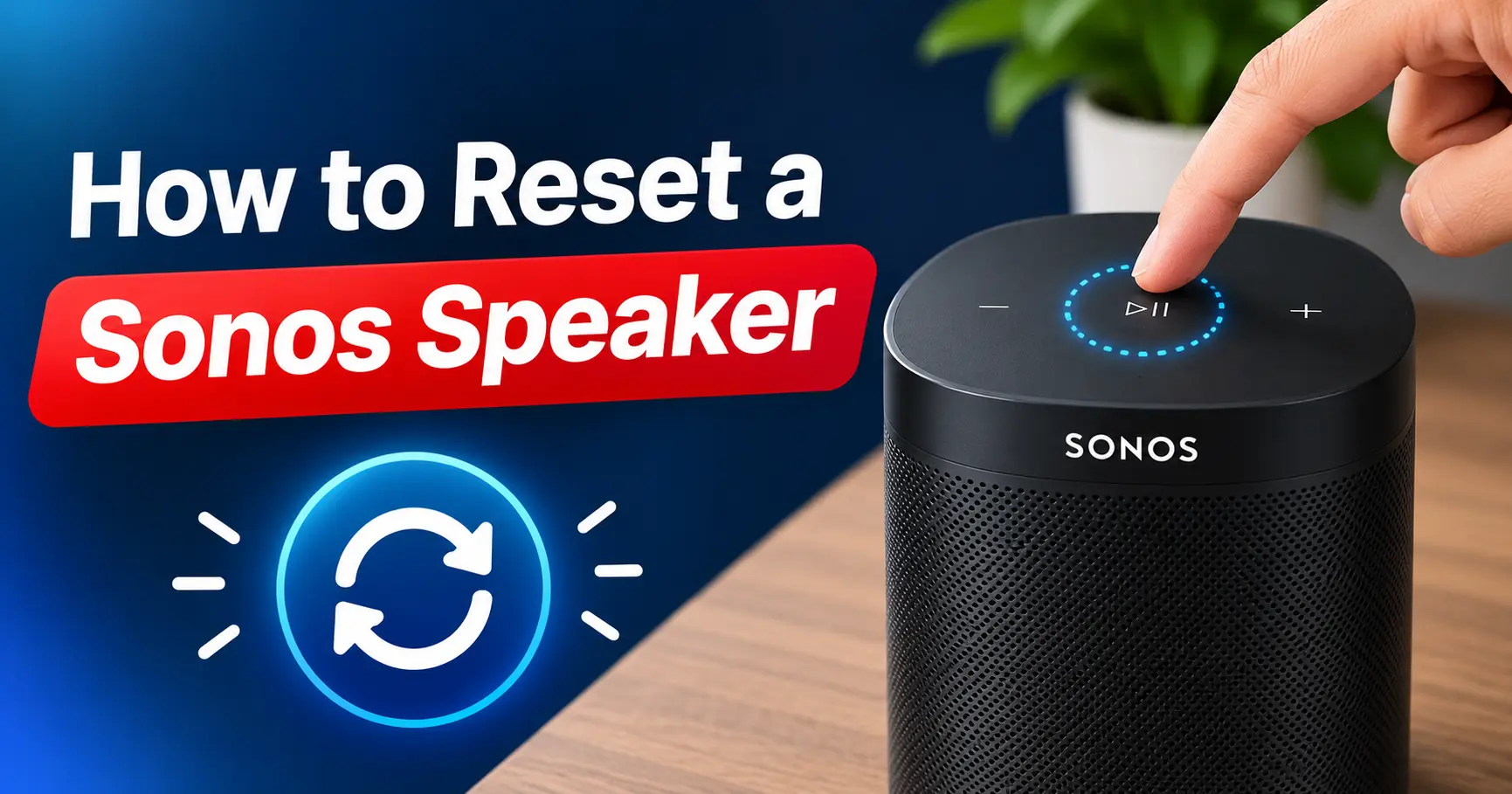
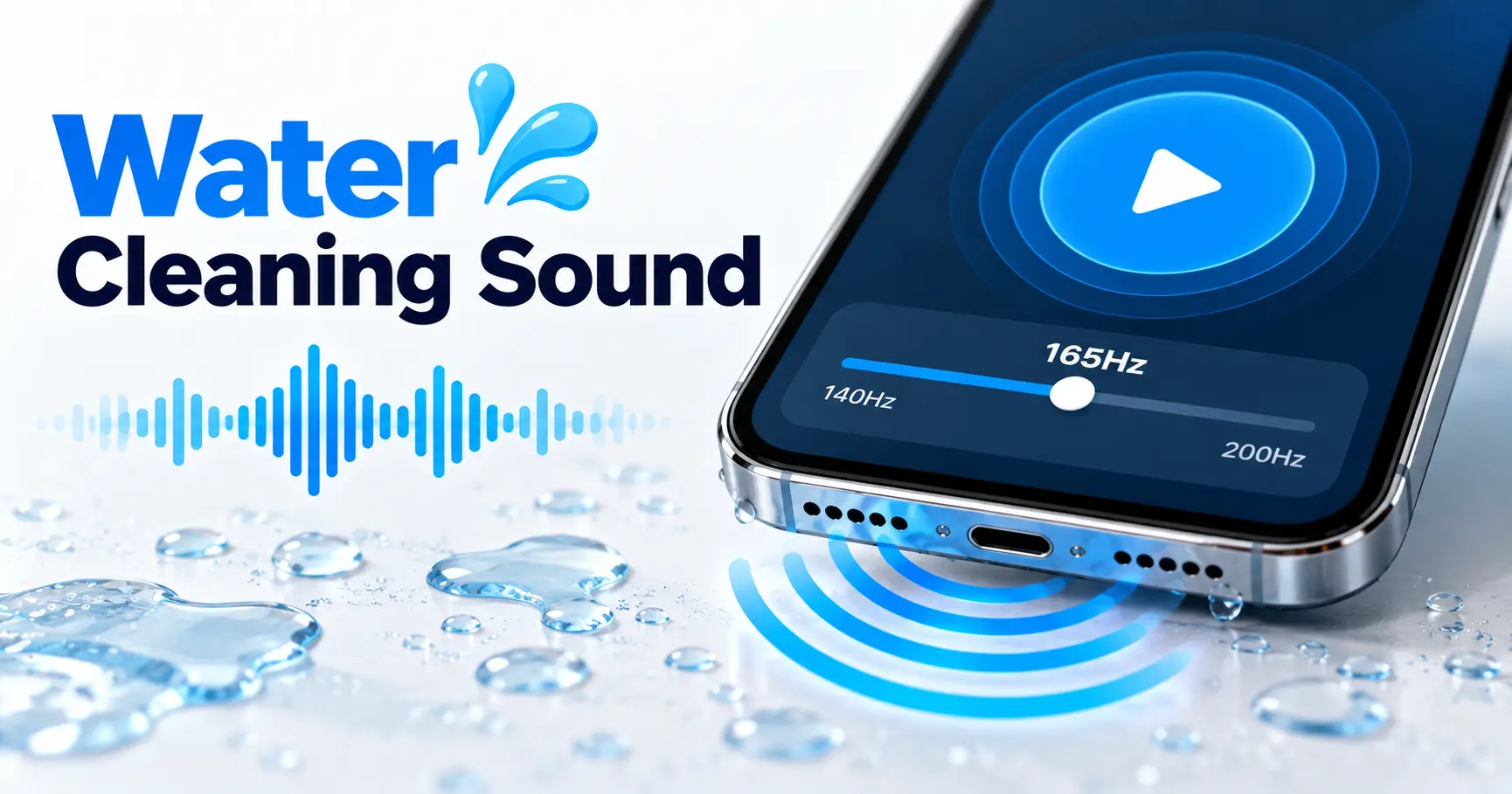
A water cleaning sound is a 165Hz audio tone that plays through your phone speaker at full volume to push trapped water out of the speaker grille. It works on iPhones, Android phones, AirPods, and laptops. Set your volume to max, point the speaker down, and play the tone for 30 to 60 seconds. No download needed. The whole process takes under a minute.
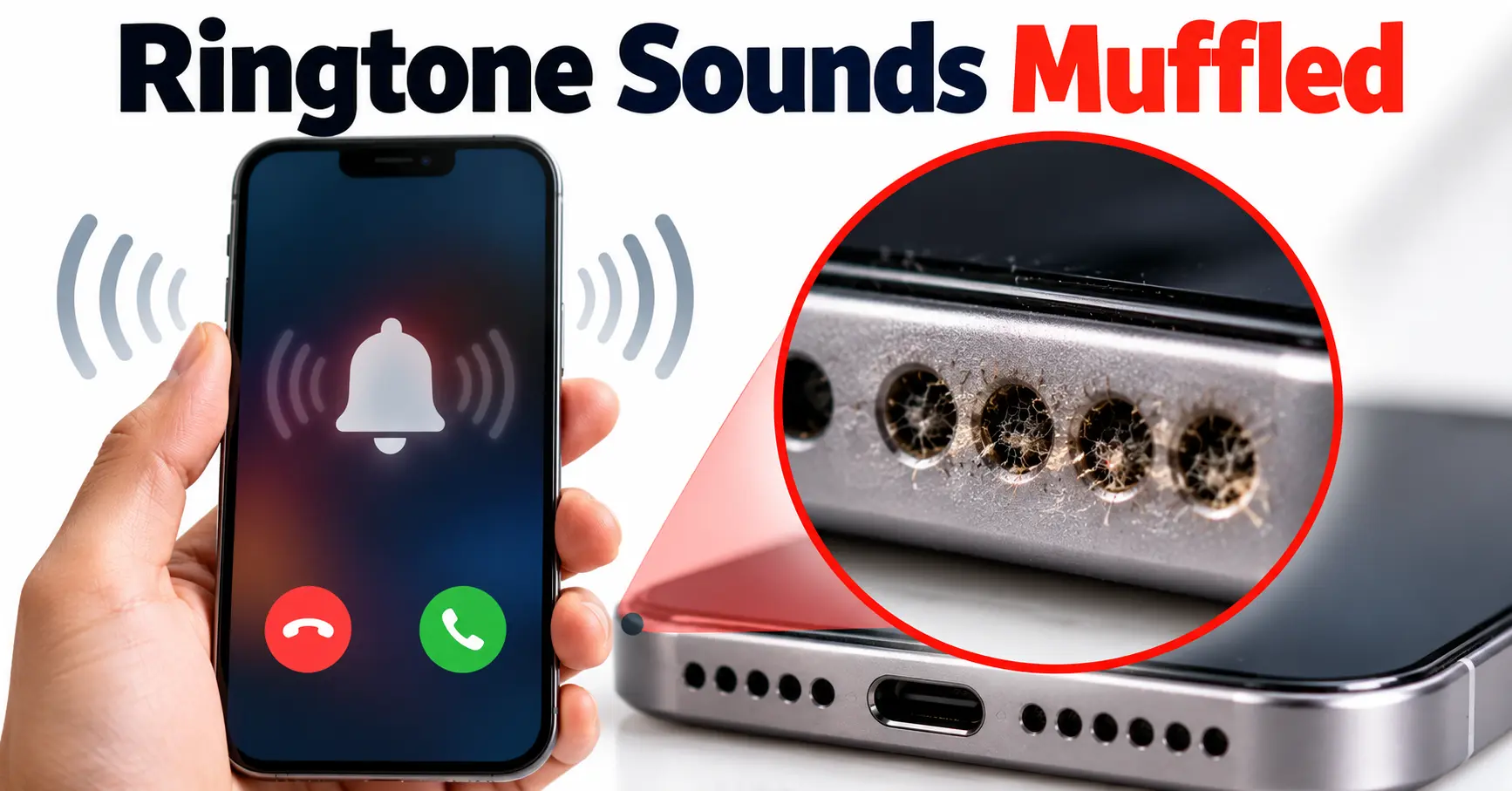
Your phone just got wet. The speaker now sounds like the person talking is at the bottom of a pool. Every word in a video is dull and muddy. Every phone call sounds distant and muffled.
That feeling is awful, but it is not a death sentence for your phone. Most of the time, the problem is just water stuck in the speaker grille. There is a sound-based fix for that, and it takes less than 60 seconds.
This article explains what a water cleaning sound is, which frequency works best, and how to use a water cleaning sound for phone speakers on any device right now.
What Is a Water Cleaning Sound?
A water cleaning sound is a low-frequency audio tone, most often 165Hz, that plays through your phone speaker at full volume. The sound causes the speaker diaphragm to vibrate at or near its resonant frequency. At that specific pitch, the diaphragm moves with peak force. That force creates enough acoustic vibration and sound pressure to break the surface tension holding water droplets against the speaker grille. Once the surface tension breaks, the droplets get pushed out through the mesh.
This is not a gimmick. The same principle is built into the Apple Watch Water Lock feature. Starting with Apple Watch Series 2, Apple added a function that plays a series of tones after swimming. Those tones push water out of the small speaker port on the side of the watch. Apple put this directly into the hardware because acoustic vibration works.
A speaker water cleaning sound does the same job for your phone, through your browser, for free.
Why Does the Speaker Sound Muffled After Water Exposure?
Water has a much higher density than air. When water gets into the speaker grille, the speaker diaphragm cannot move freely. It has to push through liquid on every vibration. High-frequency sounds are blocked almost completely. Only low bass thumps have enough energy to get through. That is why your audio sounds dull and flat after a splash.
A single drop of water pressed against the speaker mesh acts like a solid wall for high frequencies. This is what gives audio that familiar “underwater” quality where voices sound distant and details disappear.
Here is something that surprises most people: IP68 rating does not stop this from happening. The IP68 certification is tested in a lab using still, fresh water. Real-world water exposure from rain, pools, and showers involves water in motion. Moving water pushes into speaker openings that the static lab test never reaches. A brand-new Samsung Galaxy or iPhone with a full IP68 badge can still end up with a muffled speaker after a swim.
According to IDC data, over 100,000 smartphones are damaged by water or liquids every single day in Western Europe alone. Water damage is not rare. It happens constantly.
What Frequency Is Used as a Water Cleaning Sound?
The water ejection frequency most tools use is 165Hz. This pitch sits close to the resonant frequency of most smartphone speaker membranes. At resonance, the speaker diaphragm swings back and forth with the largest possible movement. That movement creates the air velocity needed to push water out.
The 165Hz water removal sound became the standard through a 2016 Reddit discovery. A user known as “PointlessPankcake” had brought his iPhone 7 into the shower. Afterward, his speaker sounded muffled. He used a tone generator app called Sonic to test different frequencies. At 165Hz, he saw water droplets physically bouncing out of the speaker grille. He wrote that he had “found the resonant frequency of the water in the grill to be around 165Hz.”

His post spread because it matched what Apple had just built into Apple Watch Series 2 with the Water Lock feature, which plays tones to clear its speaker after swimming. Two independent discoveries of the same acoustic vibration principle confirmed it was real.
A 165Hz tone is a sine wave. It is the simplest, cleanest form of a sound wave. Playing it at full volume drives the speaker diaphragm through its maximum range of motion on every cycle. That range of motion is what creates the sound pressure to break water loose.
Does It Have to Be Exactly 165Hz?
No. The effective water ejection frequency range is 140Hz to 200Hz. Many modern tools use a full frequency sweep from 50Hz to 500Hz, cycling through the entire range. This approach catches water no matter where it sits inside the speaker cavity. A single 165Hz tone hits one specific resonant point. A sweep covers every location. Both work. The sweep tends to be more thorough for heavy water exposure.
How to Use a Water Cleaning Sound on Your Phone
You do not need to download anything. A free water cleaning sound online runs directly in your browser using the Web Audio API, which is built into every modern smartphone. Follow these five steps:
Step 1: Remove your phone case and wipe the outside dry. A case can trap water between itself and the phone body. Take it off before you start. Use a dry, lint-free cloth to wipe around the speaker grille area.
Step 2: Disconnect all Bluetooth devices. If AirPods or a Bluetooth speaker are connected, your phone routes audio there instead of through its own speaker. Go to your Bluetooth settings and disconnect everything paired right now.
Step 3: Set volume to 100%. The speaker diaphragm needs full movement to generate enough sound pressure. Low volume means less movement. Less movement means the water stays in place. Turn the volume all the way up.
Step 4: Hold the phone with the speaker grille pointing down. Gravity helps pull the water out as the sound waves push it toward the exit. Point the speaker at a cloth or paper towel on a flat surface so the water has somewhere to land.
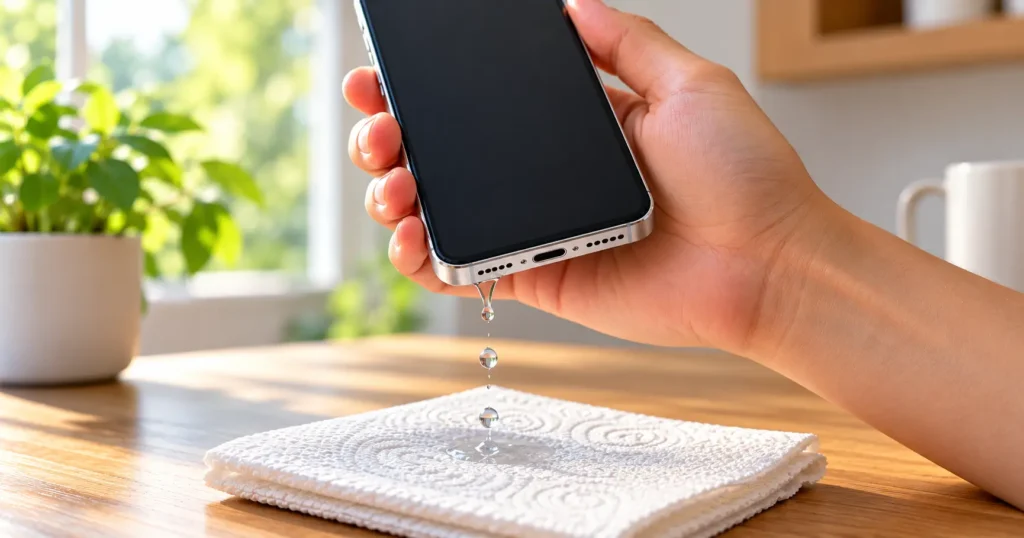
Step 5: Play the water eject sound for 30 to 60 seconds. Watch the speaker grille for small droplets pushing out. Wipe them away as they appear. Repeat the cycle two to three times for heavy water exposure.
Play the free 165Hz water cleaning sound at eject water from the speaker. No download. No account. No cost. It runs entirely in your browser.
How Long Should You Play the Water Cleaning Sound?
For a small splash, 30 to 60 seconds is enough. For a full drop into a pool or sink, run 2 to 3 cycles of 60 seconds each. Take a 30-second break between cycles. Those breaks prevent the speaker voice coil from warming up too much. Keep going until you stop seeing droplets come out and the audio sounds clear.
Does a Water Cleaning Sound Work on Every Device?
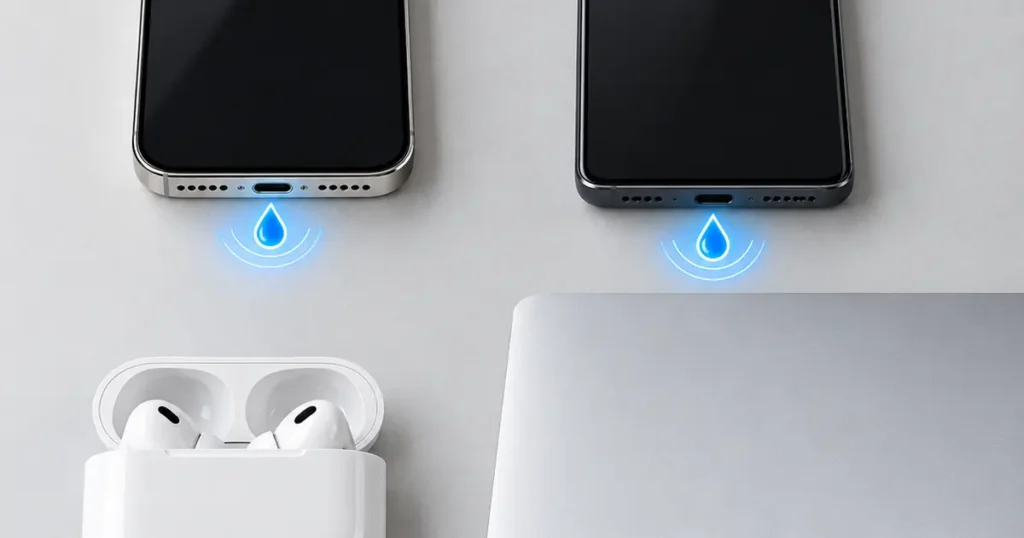
A phone speaker cleaning sound works on any device that has a standard built-in speaker. The basic process is the same across all devices. The positioning changes slightly depending on the device type.
iPhone
Set volume to 100% and hold the phone with the USB-C or Lightning port facing down. This targets the main bottom speaker. Then flip the phone upside down and repeat to target the top earpiece receiver. iPhones have two separate audio output points, so treat each one in its own cycle. Get the full iPhone-specific water damage steps to fix my iphone speaker water damage.
Android Phones
Samsung Galaxy, Xiaomi, and other Android phones follow the same steps. One extra tip for Xiaomi and Redmi devices running MIUI: there is a native “Clear Speaker” option buried in Settings under Additional Settings. That built-in function runs a 30-second burst. The Fix My Speaker tool runs longer, continuous cycles when that short burst is not enough for heavy water exposure. For general Android help, visit fix my mobile speaker.
AirPods and Earbuds
AirPods do not have a heavy speaker motor to drive strong vibrations on their own. Remove the silicone ear tip so water cannot pool inside it during the cleaning cycle. Hold the earbud by the stem with the mesh facing down. Play the 165Hz tone at full volume. As the sound plays, shake the earbud firmly downward with short, snapping wrist motions. The acoustic vibration breaks the surface tension. The shaking provides the physical force to move the water out. Use the ear speaker cleaner sound tool for earpiece-specific frequencies.
Laptops and Tablets
Open the laptop flat and flip it upside down into a tent shape (an inverted V) so liquid drains away from the internal board. Let the sound play at full system volume through the built-in speakers. MacBooks, Dell, HP, and Lenovo laptops all respond to this process. For tablet and laptop-specific guidance, the laptop speaker cleaner on Fix My Speaker has cycles designed for larger speaker grilles.
When Should You NOT Use a Water Cleaning Sound?
A water cleaning sound clears physical blockages from the speaker. It cannot fix a speaker that has already been damaged electrically. Stop using the sound tool and go straight to a repair shop if your phone shows any of these signs:
- The phone will not power on at all
- You smell something burning or the device feels unusually hot
- You see green or white crust forming around the charging port or SIM tray
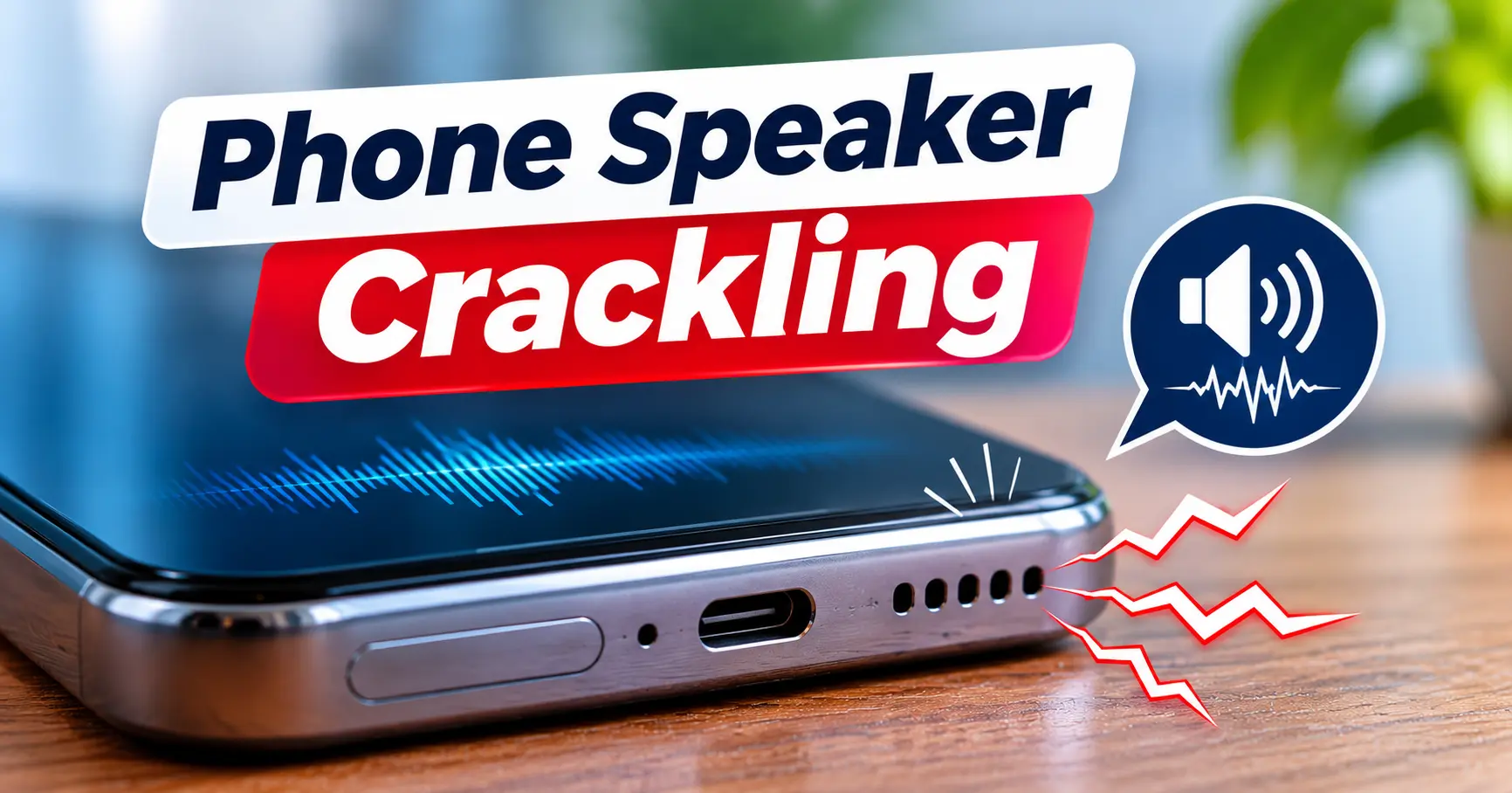
- Crackling or static sounds stay after the device is fully dry for 24 hours
Saltwater and soda exposure need one extra step before you run the phone speaker cleaning sound. Ocean water, pool water, and fizzy drinks leave behind salt and sugar crystals after the liquid dries. Those crystals corrode speaker voice coil wiring fast. Before running the sound, rinse the phone briefly under cool, fresh tap water to wash the minerals off. Then run the water ejection frequency tool right away.
The water cleaning sound also cannot fix muffling caused by dust alone. For a speaker that sounds clogged with pocket lint and dry debris, the Fix My Speaker Dust tool uses a different vibration approach to shake loose dry particles.
Water Cleaning Sound vs. Other Methods
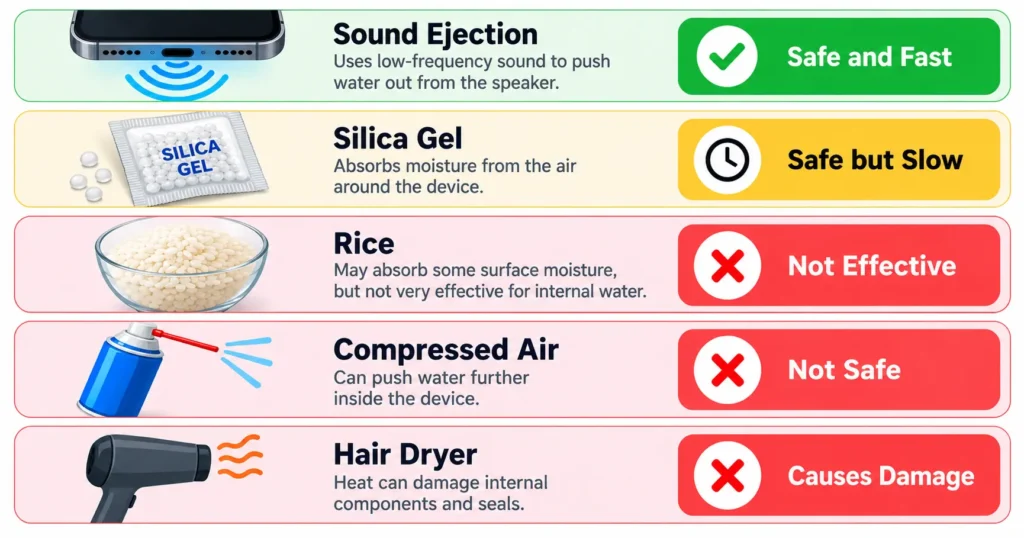
| Method | Effectiveness | Safety | Speed |
| Water cleaning sound (165Hz tone) | High for speaker grille | Safe | Under 60 seconds |
| Silica gel packets | High for deep moisture | Safe | 12 to 24 hours |
| Rice | Very low | Risky (starch clogs ports) | Days, rarely works |
| Compressed air | Low | Not safe (can tear diaphragm) | Fast but harmful |
| Hair dryer | None or causes damage | Not safe (melts internal seals) | Fast but harmful |
The best approach combines both top options. Use a sound to remove water from speaker grilles fast, then seal the phone in a bag with silica gel packets overnight to pull out remaining moisture from deeper inside the device.
Skipping the free tool and heading straight to a repair shop costs $30 to $150 just for professional drying and water damage cleaning. Full repairs average $302 according to Allstate Protection Plans data. The free sound cleaning tool takes 60 seconds and costs nothing.
Clear Your Speaker Right Now
Your speaker can sound clear again in under 60 seconds. Play the free 165Hz water cleaning sound on Fix My Speaker. No download. No account. No cost.
Play the Water Cleaning Sound Now
After cleaning, run the Speaker Sound Test to confirm your audio is back to full clarity.
Frequently Asked Questions
How long should I play the water cleaning sound?
For minor splashes, play the water cleaning sound for 30 to 60 seconds. For a full submersion, run 2 to 3 cycles of 60 seconds each with 30-second breaks between cycles. Keep going until you stop seeing water droplets push out of the speaker grille and the audio sounds clear again.
Can a water cleaning sound damage my phone speaker?
No. The frequencies used for water ejection, 140Hz to 500Hz, fall within the normal operating range of every smartphone speaker on the market. Your phone plays these same frequency ranges during ordinary music and video playback. Short breaks between extended cycles prevent the voice coil from warming up. A healthy speaker will not be harmed.
Does a water cleaning sound work on AirPods?
Yes, but the technique is slightly different. Remove the silicone tip first. Hold the AirPod by the stem with the mesh facing down. Play the 165Hz tone at full volume and combine it with firm, downward shaking motions. The tone breaks the surface tension. The shaking provides the centrifugal force needed to move the water out. Run two to three cycles and wipe the mesh dry between each one.
What is the best Hz for removing water from a phone speaker?
The most effective water ejection frequency range is 140Hz to 200Hz. The 165Hz tone is the standard starting point because it sits near the resonant frequency of most smartphone speaker membranes, which is where the diaphragm moves the most. Many tools use a full frequency sweep from 50Hz to 500Hz to catch water regardless of where it sits inside the speaker cavity.
Will playing a water cleaning sound void my phone warranty?
No. Playing audio through your browser is a standard phone function and cannot void any warranty. What voids most warranties is the Liquid Contact Indicator (LCI), a small strip inside the SIM tray that turns from white to red when it contacts liquid. Using a water eject sound fast after exposure can prevent the LCI from tripping by clearing water before it spreads deep enough to reach the strip.
What if the speaker still sounds muffled after using the water cleaning sound?
Run two to three more cycles with the speaker grille pointing down. If the muffled sound stays after five total cycles, place the phone in a sealed bag with silica gel packets for 12 to 24 hours. Silica gel pulls residual moisture from internal parts that sound waves cannot reach. If crackling or static stays after the phone is completely dry, the speaker may have physical damage and needs professional repair.