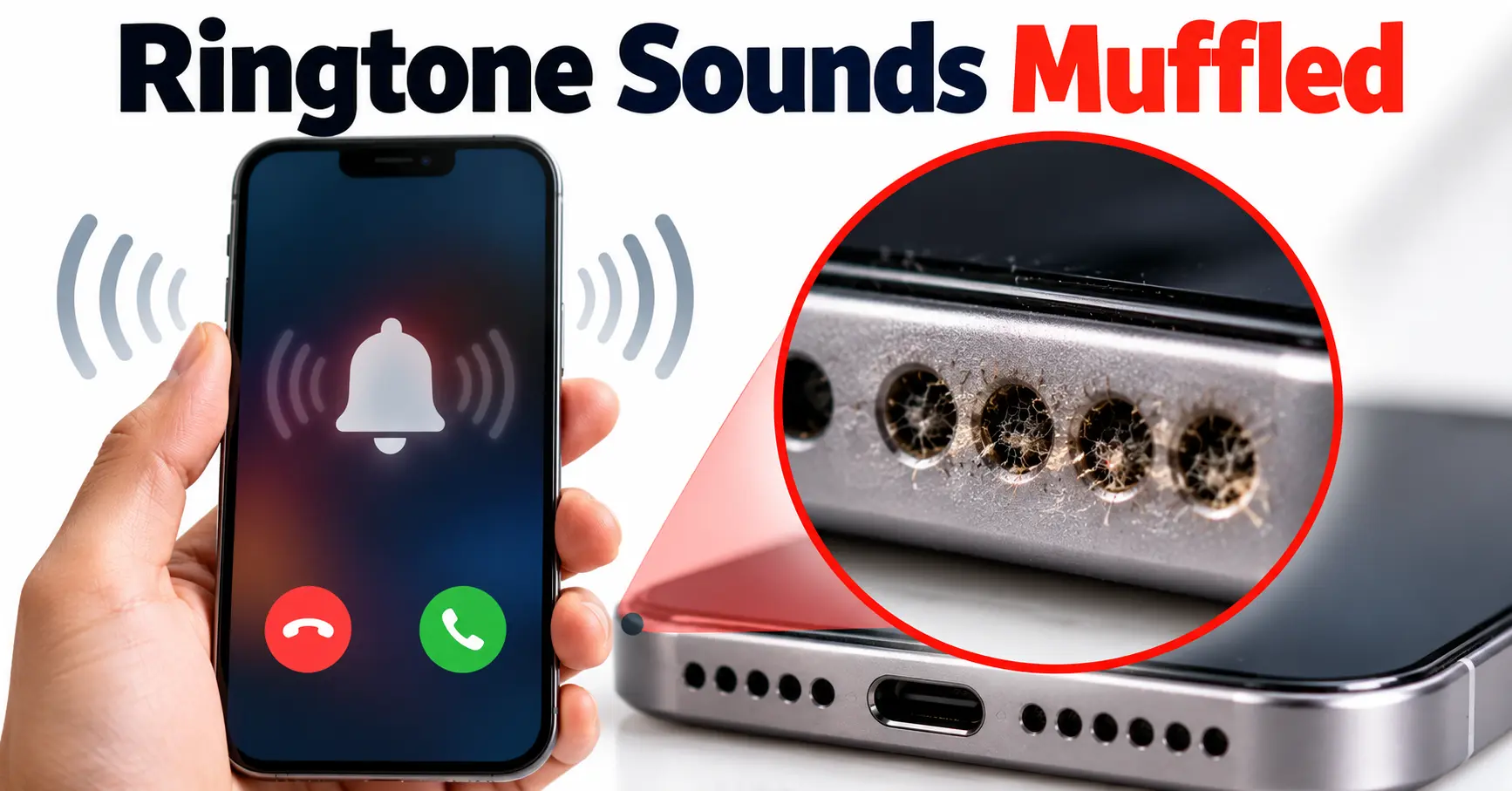
A muffled ringtone is almost always a speaker problem, not a file problem. Phone speaker grills collect dust, pocket lint, and moisture over time. This physical blockage cuts high-frequency sound first, making audio sound dull, distant, or like it is playing underwater. Clean your speaker with a free acoustic sound tool to restore clear audio in under two minutes without any app download.
You found the perfect ringtone. You hit download. You set it on your phone. Then it plays and sounds wrong. It sounds quiet, muffled, or like it is coming through a thick blanket.
Most people think their ringtone sounds muffled on the phone because the audio file is low quality. That is almost never the case, especially if you downloaded from a trusted source like Zedge. Zedge has over 500 million downloads across iOS and Android and 17 million App Store reviews averaging 4.6 stars. Their ringtone download library goes through quality checks before anything goes live.
The real problem is usually your speaker grill. This guide explains why ringtones sound bad through the speaker, how to test it in 10 seconds, and how to fix it for free with no app download.
Why Does Your Ringtone Sound Muffled on Your Phone?
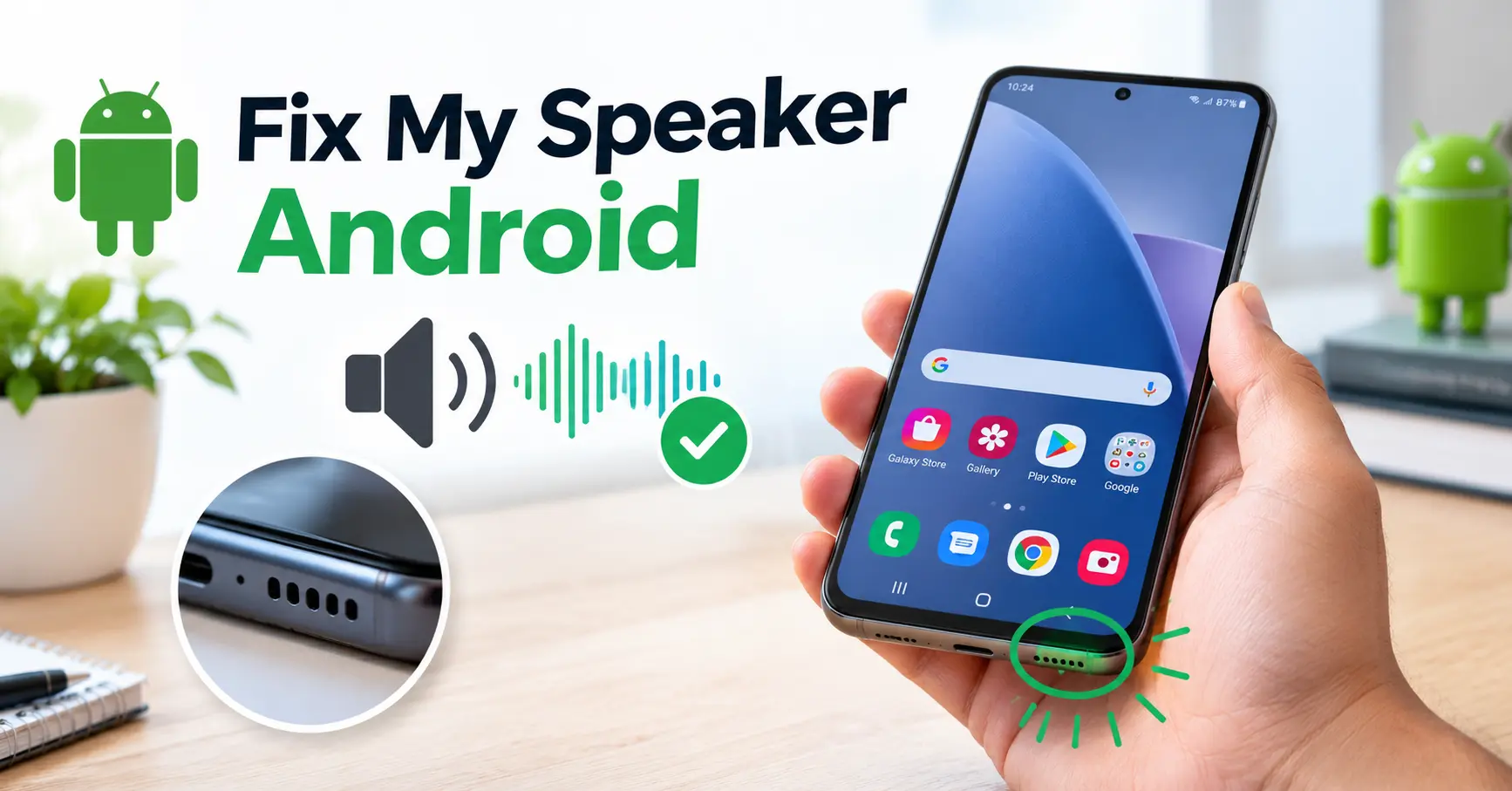
Your phone speaker grill is a small opening covered by a fine speaker mesh. Every time you put your phone in your pocket or bag, that mesh picks up dust, lint, and tiny particles. Over weeks, dust accumulation packs into the speaker grill openings.
That physical phone speaker blockage cuts high-frequency audio first. Treble, melody detail, and voice clarity get stopped by the debris before they reach your ear. What you hear is a custom ringtone or notification sound that sounds dull, distant, and muddy. You might not notice it getting worse day by day, but one day you play a new ringtone and the sound quality seems off.
Moisture makes the problem worse. A small splash or even humid air can leave a thin film on the speaker diaphragm. Water surface tension holds that film in place. When sound waves try to move through it, you get sound distortion and that classic underwater effect.
Here are the three things that most often cause a ringtone to sound bad through the speaker:
- Dust and lint buildup blocking the speaker mesh
- Moisture or a water film sitting on the speaker diaphragm
- A phone case with cutouts that do not line up with your actual speaker grill
The ringtone file itself is rarely the cause. When you use a platform built around mobile personalization and audio quality, like Zedge or Zedge Premium, the files are tested for compatibility across iOS and Android before they go live.
Is the Ringtone File Broken or Is It Your Speaker?
Before you change anything, run a quick test. It takes 10 seconds and tells you exactly where the problem is. This is the best starting point when your downloaded ringtone sounds different on your phone than it did in the Zedge app preview.

The 10-Second Speaker Test
Step 1: Open your music app or a YouTube video. Pick something you know well. Set your volume to 100%. Listen closely to the treble, the bass, and the overall audio clarity.
Step 2: Now play your ringtone at the same full volume. Listen again with the same attention.
Step 3: Compare the two.
- If both the song and the ringtone sound muffled and quiet, your phone speaker blockage is the problem. Move on to the fix below.
- If the song sounds clear but only the ringtone sounds bad, try downloading a different ringtone file from Zedge to rule out a single bad file.
- If the ringtone sounds fine but just quieter than expected, check your notification sound and ringtone volume settings separately. Some Android and iOS phones keep these at different levels.
Zedge uses quality control across all files in the library. Their files are built to work on both Android phones from Samsung, Xiaomi, Realme, and other brands, as well as iPhones across all recent models from the App Store. A corrupted file can happen, but it accounts for a very small share of muffled ringtone complaints.
You can also use the free Speaker Sound Test tool at fixmyspeaker.tech to check your speaker with calibrated audio frequencies right from your browser.
How Do You Fix a Muffled Phone Speaker in Under 2 Minutes?
The fastest phone speaker muffled ringtone fix is a free acoustic sound tool. Fix My Speaker plays a 165 Hz tone that vibrates your speaker diaphragm hard enough to push out trapped dust and residual moisture. No app download. No account. No cost.
Why 165 Hz? Audio engineers found that this acoustic frequency hits a sweet spot for speaker cleaning. Frequencies below it shake the phone but do not move enough air. Frequencies above it move air too fast to push out heavier moisture droplets. At 165 Hz, the speaker cone moves at the right pace to break the surface tension of trapped water and shake loose lint buildup at the same time. This is what makes it the widely accepted resonant frequency for water eject tools.
Step 1: Open the Free Tool in Your Browser
Go to fixmyspeaker.tech in your phone browser. The tool works on iPhone, Android, Samsung Galaxy, Xiaomi, Realme, and any other device with a built-in speaker. It also works on iPads and laptops. No Google Play or App Store download needed.
Step 2: Set Your Volume to 100%
Before you tap anything, turn your volume all the way up. The acoustic vibration only works at full strength when the speaker cone moves at maximum range. Low volume means low cone movement, which means less effective dust removal and a weaker water eject. This is the step most people skip, and it is the reason the first attempt sometimes seems to do nothing.
Step 3: Play the Ejection Tone and Tilt Your Phone
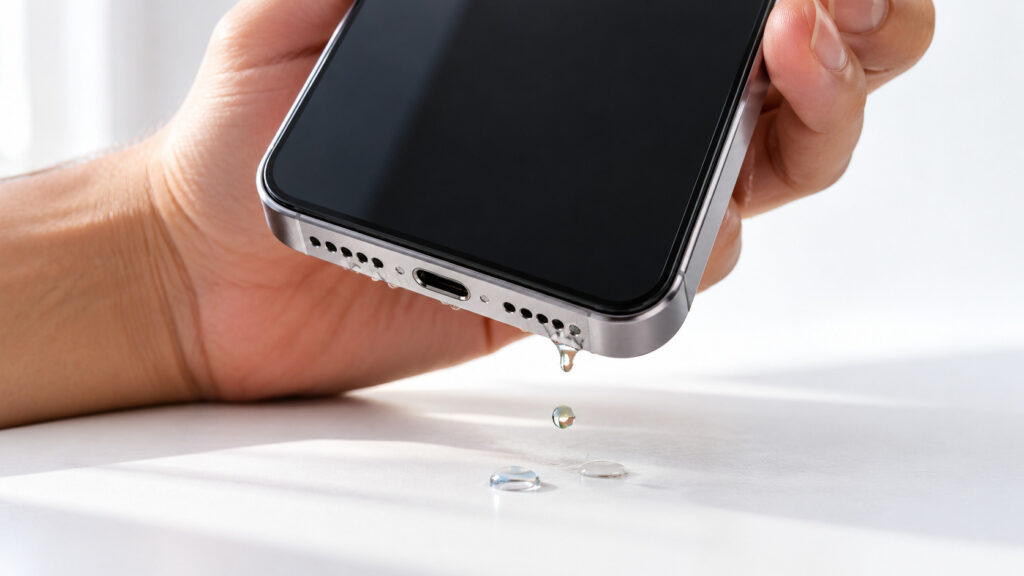
Tap the Eject button. Hold your phone with the speaker grill pointing down toward the floor. Let gravity work together with the acoustic vibration inside the speaker chamber. You may see tiny water droplets bubble out of the grill. That is the tool working. Wipe them away with a dry cloth and keep going.
Run the tone for at least 60 seconds. For a phone that went fully into water, run it for 2 to 3 minutes with short 30-second breaks between cycles to let the speaker voice coil cool down slightly.
Step 4: Wipe the Grill and Test Your Ringtone
After the tone stops, wipe the outside of the speaker grill with a dry, lint-free cloth. Then play your ringtone again at full volume. Most people notice clear sound quality improvement after one cycle.
You can also use the dedicated Eject Water from Speaker tool for a mode that adds pressure oscillation on top of the standard 165 Hz tone. This is the stronger option for a speaker that got wet.
3 More Reasons Your Ringtone May Sound Bad (And Quick Fixes)
If the speaker cleaning fixed your audio clarity, great. If the sound is still not right, check these three other causes. Any of these can make a ringtone sound bad through the speaker even when the speaker mesh itself is clean.
Your Phone Case May Be Covering the Speaker Grill
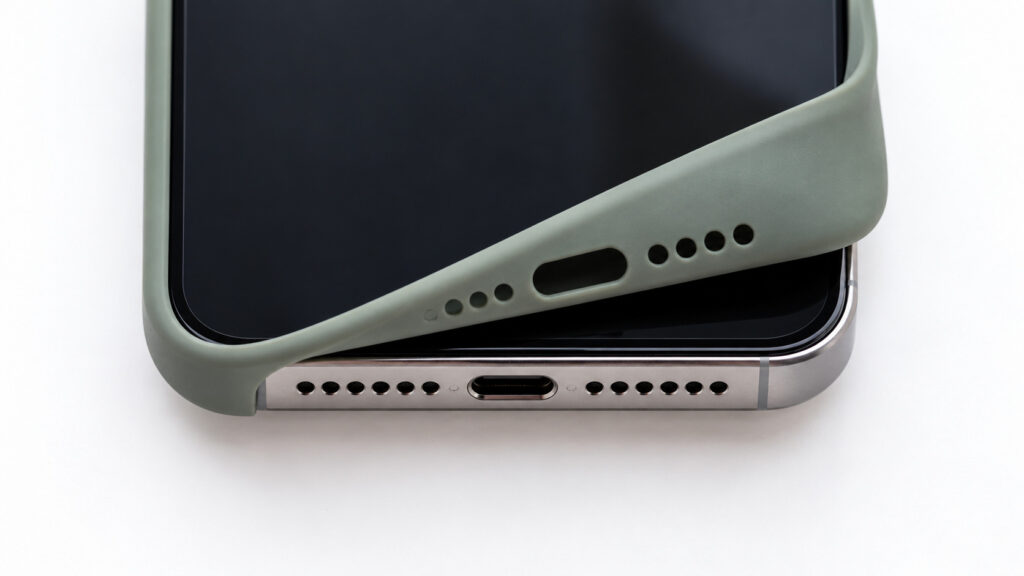
This is one of the most common causes and the easiest to miss. Many budget silicone cases and thick TPU cases have speaker cutouts that sit slightly off-center from the actual speaker grill on your phone. Even a shift of a few millimeters can partially block the opening.
Take your phone case off completely. Play your ringtone at full volume. If it sounds clearer without the case, your case is causing the sound distortion. Look for a replacement case made specifically for your exact phone model, with a speaker cutout that lines up exactly with your grill.
Your Phone’s Adaptive Sound Setting May Be Lowering Volume
Samsung, iPhone, and newer Android phones have automatic volume adjustment features built into the sound settings. Samsung calls it Adapt Sound. Apple has Headphone Safety and Attention Aware Features on iOS. These settings read the sound level in your environment and lower ringtone or notification sound output in quiet rooms.
The result is a ringtone that sounds quieter than you expect, with no speaker blockage at all. Go into your sound settings. Look for Adaptive Sound, Volume Limit, or Sound Balance. Turn off automatic volume reduction and test your ringtone again.
A Recent Software Update Can Reset Audio Profiles
If your ringtone sounds different right after an iOS or Android OS update, the update may have reset your saved audio profile to the factory default. This happens on both platforms after major version releases.
Check your Sound and Vibration settings as soon as you update. Reselect your ringtone and any custom notification sound manually. Sometimes the update clears the saved file path to a Zedge ringtone and plays the system default instead. That switch, not a speaker problem, is what sounds different. If your ringtone was stored as an MP3 at a low bitrate before, this is also a good time to re-download a higher quality version from the Zedge library.
What If the Speaker Still Sounds Muffled After Cleaning?
If your phone speaker still sounds muffled after running the acoustic tone, moisture may have reached deeper inside the speaker chamber past the speaker mesh. The 165 Hz tone removes surface water and loose dust. Deeper moisture needs a second step.
Combine the sound ejection method with a silica gel treatment. Put your phone in a sealed zip bag or small container with 3 to 5 silica gel packets. Leave it for 24 hours. Silica gel pulls moisture out of the air inside the bag, drawing out the humidity that the sound waves pushed away from the grill but did not fully dry.
If your ringtone sounds fine for music but the speaker still shows signs of distortion at high volume, the speaker diaphragm or voice coil may be physically worn. At that point, a repair shop is the right call.
| Situation | What to Do |
| Muffled, no water contact | Run the sound ejection tool for 2 full minutes |
| Got wet recently | Sound ejection tool, then 24-hour silica gel treatment |
| Still muffled after both steps | Book a technician for speaker repair |
| Muffled only at high volume | Voice coil may be worn; skip DIY and see a tech |
Never use a hair dryer to dry your speaker. The concentrated heat melts the adhesive seals that hold your screen in place and can swell the phone’s battery. Never stick a toothpick or needle into the speaker grill. The speaker mesh is fragile and punctures easily. And never charge your phone while it is wet. Electrical current plus moisture corrodes the charging pins within minutes.
Frequently Asked Questions
Can a phone case make my ringtone sound muffled?
Yes. Many phone cases, especially budget silicone or thick TPU cases, have speaker cutouts that sit slightly off-center from the actual speaker grill. This creates a partial block that cuts high-frequency audio and causes sound distortion. Remove the case and play your ringtone to test. If the ringtone sounds clearer without the case, your case is blocking the speaker.
Why did my ringtone suddenly get quieter?
A sudden drop in ringtone volume usually comes from one of three things: dust building up inside the speaker mesh over time and reaching a tipping point, a phone case that has shifted position, or an automatic sound setting like Samsung’s Adapt Sound or Apple’s Attention Aware Features reducing output in a quiet room. Start with a speaker cleaning. If the change happened right after a software update, check your sound settings and reselect your custom ringtone manually.
Does Zedge upload low-quality audio files?
Zedge controls the audio quality of every file in their library. They have 17 million App Store reviews at a 4.6-star rating and over 500 million total downloads on iOS and Android. Files go through compatibility testing before going live. If a ringtone you got from Zedge or Zedge Premium sounds muffled on your phone but music sounds fine, the file is almost certainly not the cause. Run the 10-second speaker test first before downloading a replacement.
Is there a free online tool to fix a muffled phone speaker?
Yes. Fix My Speaker at fixmyspeaker.tech is a free browser-based tool that plays a 165 Hz acoustic tone to push dust and moisture out of your speaker grill. No app download or account is needed. It works on iPhones, Android phones, Samsung Galaxy devices, Xiaomi and Realme phones, laptops, and earbuds. Open it in your browser and set volume to 100% before you start.
How often should I clean my phone speaker to keep ringtones clear?
Once or twice a month is enough for most people who carry their phone in a pocket or bag. If you work in a dusty place like a construction site, a workshop, or outdoors, clean it once a week. Regular speaker cleaning stops gradual lint buildup that causes ringtones and notification sounds to get quietly worse over weeks without you noticing until the drop in audio clarity is obvious.
Can water damage make ringtones sound muffled?
Yes. Even a small splash or a humid environment like a bathroom or gym can leave a moisture film on the speaker diaphragm that muffles audio. If your ringtone sounded fine before your phone got wet, use a sound ejection tool running at 165 Hz right away to push the water out before it seeps deeper into the speaker chamber. If the phone was fully submerged, deep moisture that reached the voice coil or internal contacts needs professional repair.
Your ringtone should sound as clear as the day you picked it. A quick 60-second speaker clean is all it takes in most cases, and you do not need to download anything or spend a cent.