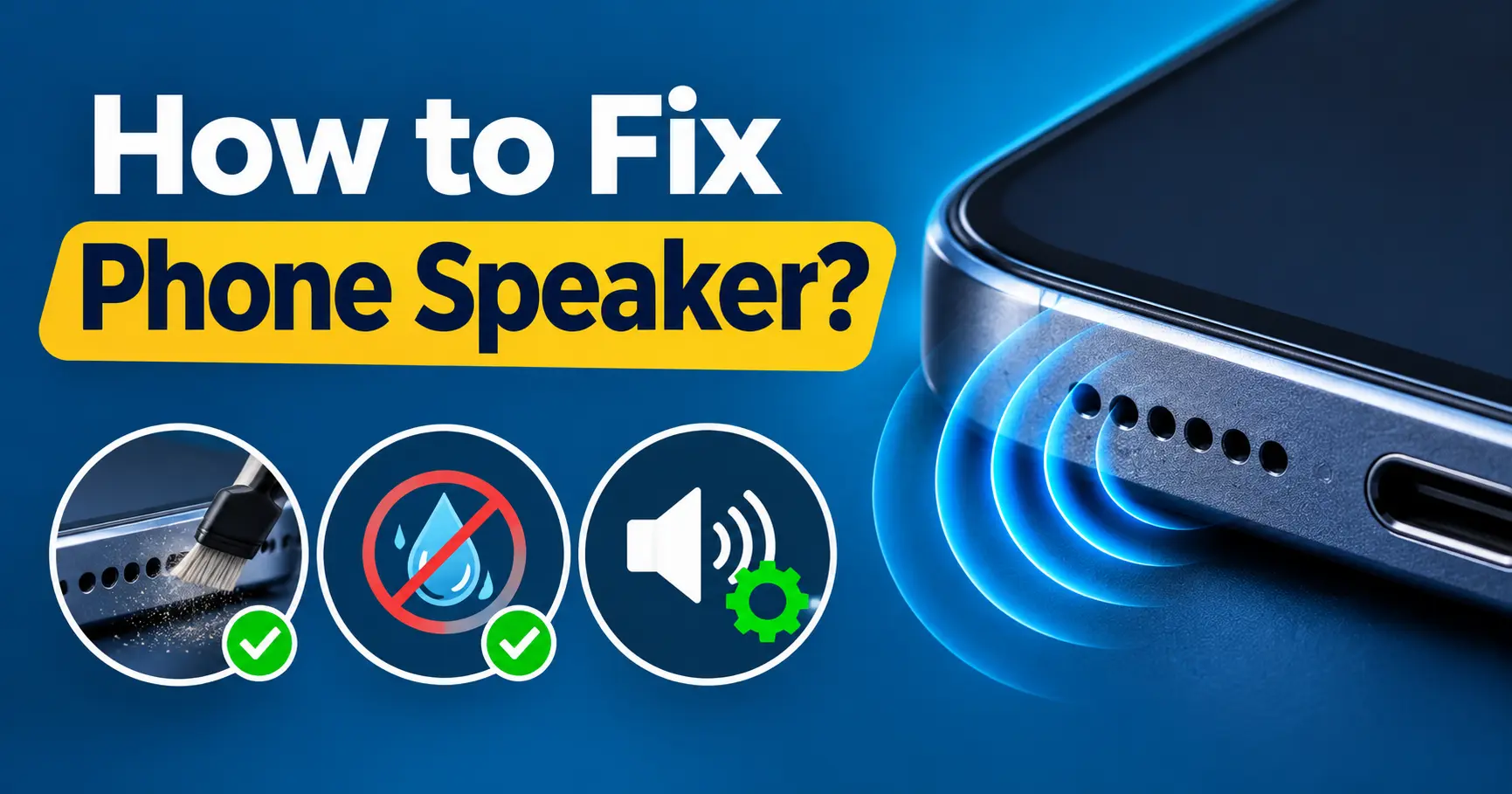
How to Fix Phone Speaker? Most phone speaker problems come from one of four things: a volume or Bluetooth setting, dust or debris blocking the speaker grill, water trapped inside the speaker, or a software bug. Start by checking Bluetooth and volume controls. Then clean the speaker mesh. If the audio sounds muffled from water, use an acoustic tone at full volume to push the water out. If none of these work, the hardware may need professional repair.
Your phone speaker sounds muffled, quiet, or completely silent. Before you go to a repair shop, stop. Most phone speaker problems can be fixed at home in just a few minutes. Speaker issues show up in about 17% of all smartphone repairs. That makes it one of the most common phone problems people face. This guide walks you through how to fix phone speaker problems step by step. You will find the cause, try the fastest fixes first, and know exactly when it is time to call a professional.
How to Fix Phone Speaker: 8 Ways That Work
These are the 8 fixes this guide covers, from the fastest to the most involved:
- Turn off Bluetooth so audio routes back to the built-in speaker
- Check all volume controls, including silent mode on iPhone
- Clear stuck headphone mode by unplugging and restarting
- Clean the speaker grill with a soft dry toothbrush
- Eject water with the free 165Hz acoustic tool on fixmyspeaker.tech
- Restart your phone to clear audio routing bugs
- Update iOS or Android software and test in safe mode
- Reset all settings to clear audio configuration errors
Work through the list in order. Most phone speaker not working situations clear up at step 1, 2, or 5. Jump to the section that matches your symptom if you already know the cause.
What Is Wrong With Your Phone Speaker? Diagnose the Cause First
Before you try any fix, match your symptom to the most likely cause. This saves you time and gets you to the right fix faster. Pick the row that matches your phone speaker problem and jump straight to that section.
| What You Hear | Most Likely Cause | Go To |
| Completely silent | Bluetooth routing or volume set to zero | Settings section |
| Muffled or “underwater” sound | Water damage or dust buildup in the speaker grill | Water or Cleaning section |
| Crackling or buzzing noise | Debris in the speaker mesh or water on the speaker diaphragm | Cleaning or Water section |
| Fine for music but silent on calls | Earpiece speaker issue or Do Not Disturb mode | Settings section |
| Low speaker volume even at full setting | Blocked speaker mesh or audio settings bug | Cleaning or Software section |
Check These Settings First
Many phone speaker not working cases come from a simple setting. Try these quick checks before anything else. Each one takes less than 60 seconds.
Turn Off Bluetooth
Your phone can send audio to Bluetooth earbuds, a car stereo, or a wireless speaker without you knowing. When that happens, the built-in loudspeaker stays silent. Open your Bluetooth settings and turn it off. Then test your speaker. This one check fixes the problem more often than people expect.
Check All Volume Controls
Smartphones have more than one volume level. You have media volume, call volume, ringtone volume, and alarm volume. Each one is set separately. One of them might be at zero.
Press the volume-up button on the side of your phone while music is playing. This raises the media volume. On iPhones, also check the Ring/Silent switch on the left side of the phone. If the orange stripe is showing, the phone is in silent mode. Flip it back toward the screen to restore sound.
Check all volume levels under your Sound settings. If any are at zero, raise them and test the speaker again. The Fix My Speaker Volume tool can also run a quick audio check to confirm your output level.
Turn Off Do Not Disturb
Do Not Disturb mode blocks most sounds on your phone. Open your notification shade or settings and check if Do Not Disturb is active. Turn it off and test the speaker. This takes about 10 seconds and catches a lot of missed fixes.
Check Headphone Mode
Your phone may think headphones are plugged in when they are not. This happens when the headphone jack gets dirty or after a software glitch. Audio then routes to the jack instead of the loudspeaker. To clear this, plug a pair of wired headphones in and pull them out slowly. Then restart your phone. This clears stuck headphone mode on most iPhones and Android devices.
How to Fix Phone Speaker Low Volume: Clean a Blocked Grill
Dust and lint block the speaker grill over time. This causes muffled sound and low speaker volume. Research shows dust accumulates in 72% of phones as they age. If your speaker sounds quiet or unclear, a blocked speaker mesh is likely the cause.

A dry, soft-bristled toothbrush and the free acoustic vibration tool on fixmyspeaker.tech are the two safest ways to clean a phone speaker at home. No liquids, no sharp tools.
- Get a dry, soft-bristled toothbrush.Never use a wet one. The bristles need to be soft so they do not scratch the speaker mesh.
- Brush gently across the speaker grill in one direction. Do not scrub back and forth. Never push bristles into the holes. One direction only.
- Use the speaker dust removal tool on fixmyspeaker. Play the cleaning tone at full volume. This uses acoustic vibration at 165Hz frequency to shake loose dust and debris deep inside the speaker mesh.
- Lay a small strip of painter’s tape over the grill and peel it back slowly. This lifts surface lint without putting anything into the phone port.
- Test your speaker with a music track or video. Listen for stronger clarity and better volume. Run the tool one more time if you still hear muffled sound.
- Do not spray compressed air directly into the speaker. High pressure can tear the speaker diaphragm.
- Never insert toothpicks, cotton swabs, or needles into the speaker holes. These damage the mesh and the internal components behind it.
- Do not use any liquids to clean the speaker grill.
How to Get Water Out of Your Phone Speaker
Water in your phone speaker makes audio sound muffled, distant, or like it is playing underwater. Water damage accounts for 19% of smartphone repairs globally. Earpiece speaker failures happen in 16% of cases after liquid exposure.
When water sits on the speaker diaphragm, it blocks sound waves from passing through the speaker grill. The fix is to play a specific sound frequency that vibrates the speaker hard enough to push the water out through the mesh.
Apple Watch Water Lock uses this same principle. When you turn off Water Lock on an Apple Watch, Apple Inc. built it to play specific tones that push water out of the speaker port. The same 165Hz frequency method works on iPhones, Android phones, and earbuds. It does not require any hardware or special tools.
Step-by-Step Water Removal
- Disconnect any charging cable right away. Never charge a wet phone. This prevents short circuits at the charging port.
- Remove the phone case. Water can get trapped between the case and the phone body.
- Wipe the outside of the phone dry with a clean, lint-free cloth.
- Turn off Bluetooth so audio plays through the phone’s built-in speaker, not a paired device.
- Set your volume to 100%. The speaker diaphragm only moves at its full range at maximum volume. This is what creates enough force to push water out.
- Hold the phone with the speaker grill pointing toward the floor. Gravity helps move the water in the right direction.
- Open the Eject Water from Speaker tool on fixmyspeaker in your browser. Press play. Run the tone for 30 to 60 seconds. Watch for small water droplets forming at the grill. Wipe them away and run another cycle if the audio is still muffled.
Repeat two to three times for heavy water exposure. Take a 30-second break between each cycle to protect the voice coil from building up heat during extended use.
What to Do After
Place your phone in a sealed bag with silica gel packets overnight. Silica gel absorbs deep moisture that acoustic vibration cannot reach. Using the sound tool and silica gel together gives you the best recovery results after water exposure or moisture damage.
Test the speaker with a music track the next day. If audio sounds clear and full, the water is gone.
What Not to Do After Getting Your Phone Wet
- Do not put your phone in rice. Rice absorbs moisture very slowly. Starchy dust can also block your charging port. It takes 48 hours or more to work and is rarely enough. Internal contacts may already be corroding by then.
- Do not use a hair dryer. Heat melts the adhesive seals that hold the screen and back glass together. It can also cause the battery to swell.
- Do not shake the phone. Shaking turns still water droplets into moving water inside the device and spreads moisture to other components, including the camera module and charging port.
Try These Software Fixes If the Speaker Is Still Not Working
If the speaker still has distorted audio or low speaker volume after cleaning, a software bug may be the cause. These fixes take a few minutes and do not require any tools.
Restart Your Phone
A full restart clears the audio routing cache and fixes most temporary software glitches. Turn the phone off completely. Wait 10 seconds. Power it back on and test the speaker. This is the fastest software fix and should always be the first step in this section.
Check for and Install Software Updates
iOS and Android software updates often include audio bug fixes. On iPhone, go to Settings, then General, then Software Update. On Android, go to Settings, then About Phone, then Check for Updates. Install any available update and test the speaker again after the restart.
Test in Safe Mode
Safe mode runs your phone with all third-party apps turned off. If your speaker works in safe mode, a downloaded app is causing the audio problem. Exit safe mode and uninstall recently added apps one at a time until the sound comes back.
On Android, press and hold the power button, then press and hold the Power Off option on screen until you see a Safe Mode prompt. On iPhone, there is no safe mode, but you can delete recent apps directly from your home screen and test after each removal.
Reset Audio Settings
A settings reset clears incorrect audio routing and equalizer settings without deleting your photos or data. On iPhone, go to Settings, then General, then Transfer or Reset iPhone, then Reset All Settings. On Android, go to Settings, then System, then Reset Options, then Reset All Settings. Test the speaker once the reset is complete. Use a full factory reset only as a last resort, since it deletes everything on your device.
iPhone vs Android Speaker Fixes: What Is Different
Different phones have different speaker-cleaning options. Here is what changes between iPhone and Android and how to get the best results on each.
How to Fix iPhone Speaker Not Working
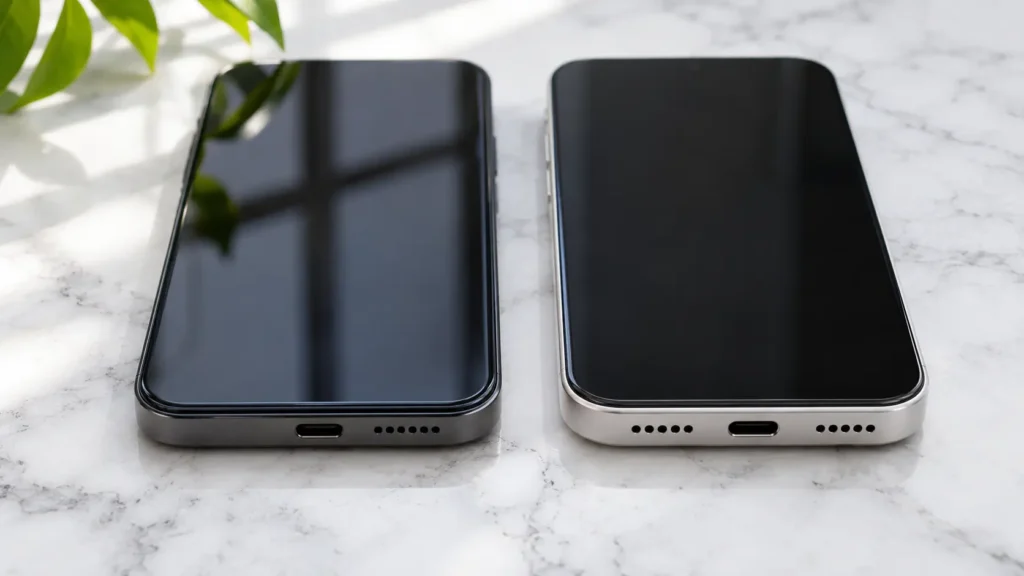
The most common cause of iPhone speaker not working is the Ring/Silent switch on the left side of the phone. If the orange stripe is visible, the phone is in silent mode. Flip the switch toward the screen to restore sound.
iPhones run on iOS and do not have a built-in water eject feature. The Water Eject Shortcut in the iOS Shortcuts app runs for only about 12 seconds. That is not long enough for heavy water exposure. For full water removal, open the Fix My iPhone Speaker Water Damage tool in Safari and run longer cycles.
For earpiece and call audio issues, the top receiver mesh collects oils from your face during phone calls. Use the ear speaker cleaner sound tool on fixmyspeaker.tech to clear the front speaker mesh without touching it.
How to Fix Android Phone Speaker Not Working
Android phone speaker not working issues have a few brand-specific solutions worth knowing.
Samsung Galaxy phones do not have a built-in speaker water eject mode on the handset, even though Samsung Galaxy Watches do include one. Use the Fix My Mobile Speaker tool on fixmyspeaker.tech for Android and hold the bottom speaker grill facing the floor during the cycle.
Xiaomi and Redmi phones running MIUI or HyperOS have a built-in Clear Speaker option under Additional Settings. That built-in burst runs for about 30 seconds. For heavier water exposure or dust buildup, run the online tool for a longer continuous cycle to get better results.
For the back speaker or loudspeaker on any Android phone, confirm the media volume is at maximum before running any cleaning cycle. Use the back speaker cleaning tool on fixmyspeaker.tech if you are not sure which speaker needs attention.
When Should You Take Your Phone to a Repair Shop?
DIY fixes work well for blocked speaker grills, settings problems, and minor software bugs. When the speaker has physical hardware damage, the approach changes.

Stop DIY and visit a repair shop if your phone shows any of these signs:
- The phone will not turn on at all.
- You notice a burning smell from the device.
- You see green or white crust around the charging port or SIM tray. This is corrosion from water reaching the circuit board.
- Crackling or static noise continues even after the phone has been fully dry for 24 hours.
- The phone screen works normally but the speaker produces no sound at all after cleaning and drying.
These signs point to damage in the speaker voice coil or internal contacts. Acoustic cleaning and software resets cannot fix hardware that has already failed.
Speaker replacement costs between $40 and $80 for the part alone. A full repair service with labor from shops or services like Asurion typically runs $70 to $180 depending on the phone model. That is still much less than replacing a smartphone. Hardware repair guides from iFixit are also available if you want to attempt a self-repair on supported models.
About 68% of people delay phone repairs because of cost concerns. Catching speaker problems early usually keeps the repair bill lower. If your phone carries an IP68 rating, keep in mind that water resistance can weaken over time, especially after drops or cracks. Liquid Contact Indicators, or LCI strips, inside the SIM tray turn red when water reaches internal components. A repair shop will check these as part of their diagnosis.
How to Test Your Phone Speaker After Fixing It
Play a music track with clear vocals and bass. Listen for crackling, volume drops, or distorted audio. Then make a speakerphone call to check clarity from the earpiece speaker during a real conversation.
For a full check, run a free speaker sound test on fixmyspeaker.tech. This tests your speaker across low, mid, and high frequencies and shows you exactly how your audio hardware is performing after the fix.
If all frequencies sound clear and the volume is back to normal, the fix worked. If you still hear muffled sound or distorted audio, go back to the water removal or cleaning section and run one more cycle.
Frequently Asked Questions
Why does my phone speaker sound muffled?
A muffled phone speaker is almost always caused by dust or lint blocking the speaker grill, water trapped inside after liquid exposure, or a Bluetooth device still connected to your phone. Check Bluetooth first. If the audio sounds like it is playing underwater, the speaker likely has water inside the speaker cavity. Open the eject tool on fixmyspeaker.tech and run a cycle.
Can water damage a phone speaker permanently?
Water can permanently damage a phone speaker if moisture reaches the voice coil or corrodes the internal contacts. If you remove the water quickly using acoustic vibration at 165Hz frequency, the chance of permanent damage drops. Corrosion, seen as green or white crust around the SIM tray or charging port, means the moisture damage may already be long-lasting. Act fast after any water exposure for the best results.
Why does my phone have sound through headphones but not the speaker?
This almost always means the phone is stuck in headphone mode. The audio jack is detecting a headphone connection even though no headphones are plugged in. This is usually caused by a dirty port or a software glitch. Clean the jack gently with a dry toothpick and restart the phone. This clears stuck headphone mode on most iPhones and Android devices.
Is it safe to clean a phone speaker with a toothbrush?
Yes, a dry, soft-bristled toothbrush is one of the safest tools for cleaning a phone speaker grill. Brush across the grill holes in a single direction. Never push bristles into the holes and never use a wet brush. Stiff-bristle brushes can scratch the speaker mesh, so soft bristles only. Follow up with the acoustic cleaning tool for deeper debris that the brush cannot reach.
How long does it take to get water out of a phone speaker?
A minor water splash usually clears in one 30 to 60 second acoustic tone cycle. Full submersion may need two or three cycles of 60 seconds each, with 30-second breaks between cycles. Total time is usually under 5 minutes for most water exposures. Run the eject water tool on fixmyspeaker.tech until water droplets stop appearing at the grill, then let the phone dry fully before testing audio.
Will a factory reset fix a phone speaker?
A factory reset will only fix a phone speaker if the problem comes from a software bug or corrupted audio settings. It will not fix water damage, a blocked speaker mesh, or a physically damaged speaker. Try a settings reset first because it does not delete your data. Use a factory reset only as a last resort after all other options fail.
When should I replace my phone speaker?
Consider speaker replacement when the loudspeaker produces no sound at all after thorough cleaning and drying, or when crackling and static stay even after 24 hours of drying. Speaker replacement typically costs $40 to $180 depending on the phone model and where the repair is done. Check the Fix My Speaker tool first to rule out a fixable blockage before paying for a repair.
Your phone speaker might only need 60 seconds to sound clear again. If the problem is water or dust, run the free acoustic tool on fixmyspeaker right now. Not sure what is wrong? Start with the free speaker sound test to find out exactly what your speaker is doing before making any decisions.