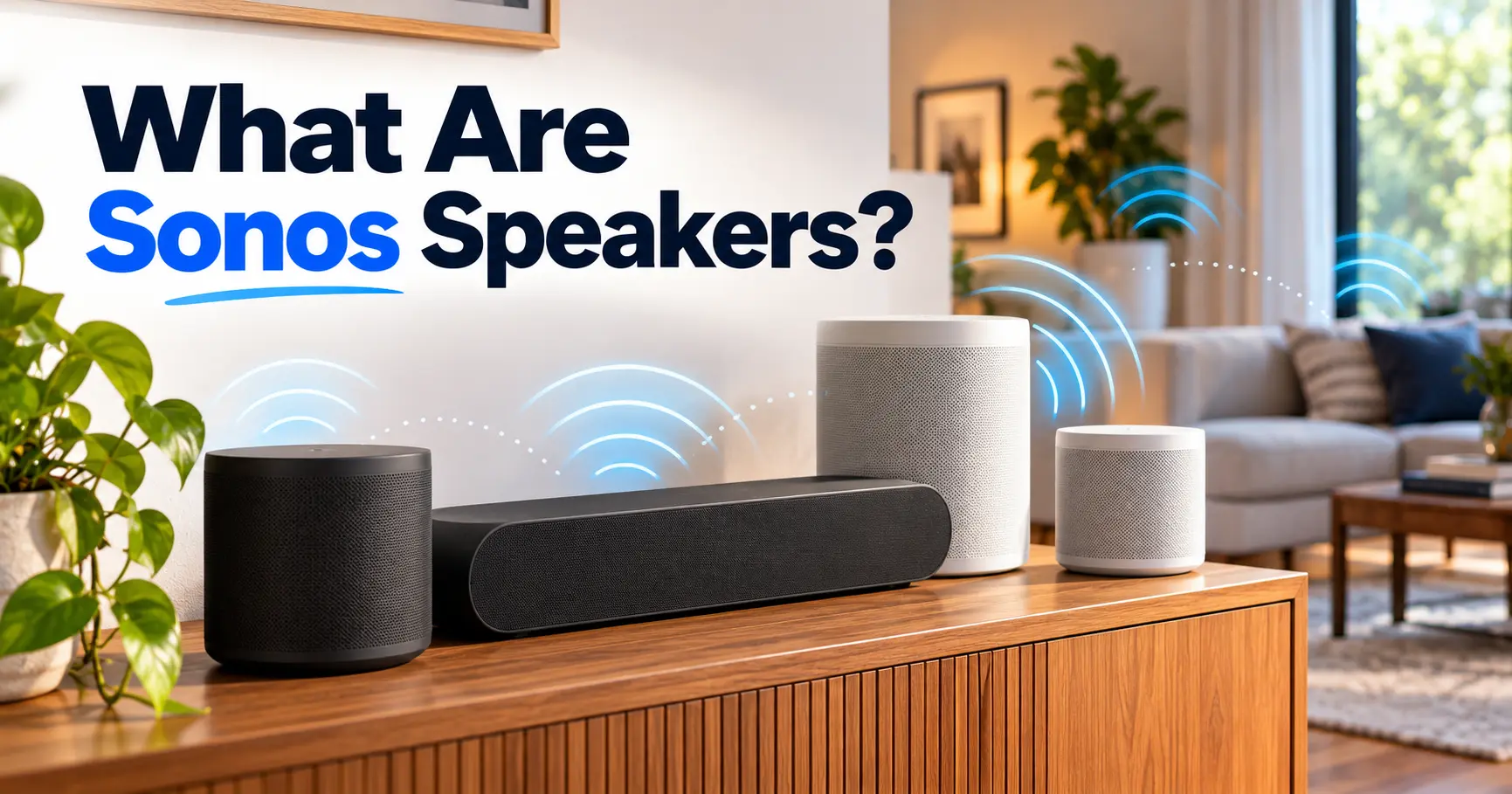
Sonos speakers are a family of premium wireless home audio devices that use a dedicated WiFi mesh network to stream audio to multiple rooms at once. They connect through the Sonos app, support most major streaming services, and use TruePlay technology to auto-tune sound to each room. Common problems like muffled audio or quiet output are usually caused by dust or moisture in the speaker grille, not hardware failure.
Sixty-eight percent of consumers now choose wireless speakers over wired ones. Sonos sits near the top of that market, and for good reason. But if you have never used a Sonos system before, the lineup can feel confusing. There are soundbars, portable speakers, smart home speakers, subwoofers, and even headphones, all under one brand name.
This guide covers what Sonos speakers are, how the whole system works, which models are available in 2026, whether the price is fair, and what to do when your Sonos stops sounding right. By the end, you will have a clear picture of the system before you buy, or a clear fix if you already own one.
What Are Sonos Speakers?
Sonos speakers are a line of premium wireless home audio products made by Sonos, Inc., an American company founded in 2002 and based in Santa Barbara, California. The company designs speakers, soundbars, subwoofers, and headphones that all work together through a single app.
In fiscal year 2025, Sonos reported $1.44 billion in total revenue. The brand currently holds about 6% of the global premium audio market, which is valued at $24 billion. That market is growing at roughly 9.9% per year through 2033.
What separates Sonos from a standard Bluetooth speaker is the system design. Sonos speakers connect over WiFi, not just Bluetooth, which means they can play audio in sync across every room in your home with no lag. You can play different music in each room, or the same track everywhere at once. A regular Bluetooth speaker can only cover one room at a time.
Sonos also partnered with IKEA on a line called SYMFONISK, which brings Sonos technology into more affordable products like bookshelf speakers and lamp-style speakers.
How Do Sonos Speakers Work?
Sonos speakers connect to your home WiFi network and then communicate through a private dedicated network called SonosNet. You control everything through the free Sonos app on your phone or tablet. When you press play, the audio streams directly from the cloud to each speaker. Your phone acts as the remote control, not the music source.

This setup keeps the audio clean and uninterrupted, even if you walk away from your phone or take a call.
What Is SonosNet?
SonosNet is the private mesh network that Sonos speakers create between themselves. It runs on top of your home WiFi but stays separate from your other connected devices. When you have two or more Sonos speakers in your home, they form a chain that passes audio signals to each other. This keeps playback synced across every room without delays or skips.
If your home WiFi is weak or congested, you can add the Sonos Boost, a small device that strengthens the SonosNet signal. Most users do not need it, but it helps in large homes or apartments with thick concrete walls.
What Is TruePlay and Auto TruePlay?
TruePlay is a room-tuning feature built into Sonos speakers. After you set up a speaker, you can run TruePlay from the Sonos app. The speaker plays a series of test tones while you walk around the room holding your iPhone. The app records what the microphone picks up, then adjusts the speaker’s equalizer settings based on how sound bounces off your walls, furniture, and floor.
The result is audio tuned specifically to the shape of your room, not a generic factory setting.
Newer models including the Era 100, Era 300, Move 2, and Sonos Play use Auto TruePlay. These speakers have built-in microphones that handle the calibration on their own. No iPhone walking is required. Auto TruePlay also updates the tuning continuously as the acoustic environment around the speaker changes.
Do Sonos Speakers Work Without WiFi?
Most Sonos speakers require a WiFi connection to stream music. The Roam 2 and Move 2 both support Bluetooth 5.0 as a backup connection mode. If your WiFi goes down, you can still pair those two models directly to your phone via Bluetooth.
Home theater Sonos products like the Arc Ultra, Beam Ultra, and Sub 4 cannot function at all without a WiFi connection. If you experience connectivity drops, restart your router first before checking the speaker itself.
What Sonos Speakers Are Available in 2026?
The Sonos speaker lineup in 2026 covers four main categories: home speakers, portable speakers, home theater products, and headphones. Here is a quick reference, followed by details on each group.
| Model | Price | Use Case | Key Feature |
| Era 100 | $219 | Compact home speaker | WiFi and Bluetooth, Auto TruePlay |
| Era 100 SL | $189 | Same as Era 100, no mic | No voice control, lower price |
| Era 300 | $449 | Spatial audio speaker | Dolby Atmos, six drivers |
| Five | $549 | Hi-fi music listening | Six amplifiers, line-in port |
| Roam 2 | $179 | Ultra-portable | IP67, Bluetooth 5.0, 10-hour battery |
| Move 2 | $499 | Home and outdoor | IP56, 24-hour battery, Auto TruePlay |
| Sonos Play | $299 | Waterproof portable | New 2026 model, home and outdoor |
| Ray | $279 | Entry TV soundbar | Compact, no Dolby Atmos |
| Beam (Gen 2) | $499 | Mid-range soundbar | Dolby Atmos, HDMI eARC |
| Beam Ultra | $699 | Compact Atmos soundbar | 7.1.2 channels, TVs up to 65 inches |
| Arc Ultra | $999 | Flagship soundbar | 9.1.4 channels, 14 drivers |
| Sub Mini | $429 | Compact subwoofer | Pairs with Ray or Beam |
| Sub 4 | $799 | Full subwoofer | Pairs with Arc or Beam |
| Ace Ultra | $499 | Over-ear headphones | Integrates with your Sonos system |
Home Speakers
The Era 100 is where most people start. It is a compact stereo smart speaker that connects over both WiFi and Bluetooth. The Era 100 SL is the same hardware without the built-in microphone, which makes it a solid choice if you do not plan to use voice control. Two Era 100 SL units paired together give you a true left-and-right stereo setup for music listening.
The Era 300 is a bigger step up. It supports spatial audio and Dolby Atmos, which means it can play music mixed in three dimensions. It uses six drivers arranged at different angles to project sound above and around you, not just in front of you.
The Five is the choice for serious music listeners. It has six amplifiers and a line-in port, so you can connect a turntable or CD player directly. Unlike the Era 300, it does not support Dolby Atmos, but its flat, detailed sound profile is preferred by many audiophiles who listen mostly to stereo music.
Portable Speakers
The Roam 2 is the smallest Sonos speaker. It fits in a jacket pocket, weighs just over 430 grams, and carries an IP67 rating. That means it can survive full submersion up to one meter deep for 30 minutes. Battery life is rated at 10 hours. When you return home, it reconnects to SonosNet automatically.
The Move 2 is a larger portable speaker built for both home use and outdoor listening. It has a 24-hour battery and an IP56 rating, which covers rain and splashing but not full submersion. Auto TruePlay is built in, so it recalibrates its sound when you move it from room to room or take it outside.
The Sonos Play is the newest portable speaker in the lineup, released in 2026. It is waterproof and designed to work as a full member of your Sonos system at home, and as a standalone speaker when you take it outside. It carries a 4.9-star rating based on early user reviews.
Soundbars and Home Theater
The Ray is the entry point for TV audio upgrades. It is compact, does not support Dolby Atmos, and connects via optical cable. It works best in smaller rooms or bedrooms where a full soundbar setup would be too much.
The Beam (Gen 2) adds Dolby Atmos and HDMI eARC, making it a strong match for most living rooms. You can pair it with two Era 100 speakers for surround sound and a Sub Mini for deeper bass.
The Beam Ultra takes things one step further. It delivers 7.1.2 channels of Dolby Atmos sound and is designed for TVs up to 65 inches. It uses the same driver technology found in the Arc Ultra but in a slimmer body.

The Arc Ultra is the flagship. It has 14 drivers arranged for a 9.1.4-channel sound field and produces detailed, room-filling audio from a single bar. Pair it with a Sub 4 and two Era 300 speakers for a complete surround sound setup. To understand how multi-channel audio formats like Dolby Atmos work in practice, the surround sound guide covers the full breakdown. For the Era 300 specifically, the spatial audio explainer explains how Dolby Atmos music actually creates a three-dimensional listening field.
Are Sonos Speakers Worth It?
Sonos speakers cost more than most alternatives. An Era 100 starts at $219. The Arc Ultra is $999 before you add a subwoofer. So the real question is whether the premium price matches the results.
For multi-room audio, Sonos is the clearest choice in its price range. The SonosNet mesh keeps every room in sync with no audio lag. Amazon Echo and Apple HomePod can do multi-room audio, but they work best within their own ecosystems. Sonos works with Alexa, Google Assistant, Apple Music, Spotify Connect, Tidal, and over 100 other services at the same time. You are not tied to one platform.
For single-room listening, the value depends on your budget. A Bose SoundLink Flex costs around $149 and sounds good. A single Era 100 at $219 sounds better and adds Auto TruePlay calibration, but the $70 difference only makes sense if you plan to expand to more rooms over time.
Sonos vs Bose: Bose excels at standalone portable speaker performance. Sonos excels at multi-room audio systems and ecosystem openness. If you want one speaker for the kitchen, Bose is competitive. If you want music in four rooms, Sonos is the clearer fit.
The honest trade-offs: Sonos went through real app stability problems after its 2024 app relaunch. CEO Patrick Spence addressed the situation publicly, and the company spent 2024 and 2025 pushing firmware fixes. The 2026 product line and the rebuilt Sonos app show significant improvement, but the app history is a real part of the brand story. Sonos speakers also require a working WiFi connection for most models. If your home network is unreliable, plan to upgrade your router before building a Sonos system.
How Do You Set Up Sonos Speakers?
Setup takes about five minutes. Here is the full process:
- Place your Sonos speaker in the room where you want it, away from corners and hard-sided walls if possible.
- Plug it in. Portable models like the Roam 2, Move 2, and Sonos Play can also run on battery.
- Download the Sonos app from the iOS App Store or Google Play. It is free.
- Open the app and follow the in-app setup guide. It detects your speaker once you press the button on the back of the unit.
- Connect to your home WiFi network through the app.
- Name the room, for example Living Room, Kitchen, or Bedroom.
- Add your streaming service accounts inside the Sonos app.
- If you have an iPhone, run TruePlay calibration for better sound. Newer models with built-in microphones run Auto TruePlay on their own.
To add more speakers later, open the Sonos app, tap Add Speaker, and repeat the same steps. Each new speaker joins SonosNet automatically.
Why Does My Sonos Speaker Sound Muffled, Quiet, or Distorted?
A Sonos speaker that sounds muffled or quieter than normal almost always has a physical cause, not a software one. The most common reasons are dust blocking the grille, moisture trapped inside the speaker mesh, or a TruePlay setting that needs recalibrating. Only in rare cases is this a hardware fault.
Is It Dust or Water?
Run through this quick checklist to find the cause:
- Did the sound get worse gradually over weeks or months? That points to dust and lint buildup in the speaker grille.
- Did the sound change suddenly after rain, a spill, or moving the speaker near a steamy kitchen or bathroom? That points to moisture trapped inside the grille mesh.
- Does the sound come back to normal after a speaker restart? That points to a TruePlay miscalibration or a minor software glitch.
- Does the audio sound clear through AirPlay to another device, but bad only from this speaker? That confirms the issue is physical, either in the grille or in the driver.
You can also run a simple isolation test. Cover the speaker grille gently with a piece of paper and listen. If the sound changes noticeably, the grille has a blockage.
How Do You Fix a Muffled Sonos Speaker?
For dust: Use a soft, dry brush and sweep across the grille openings. A clean dry paintbrush or soft toothbrush works. You can also press painter’s tape gently over the grille and peel it back to lift surface lint. Do not push anything into the speaker holes.
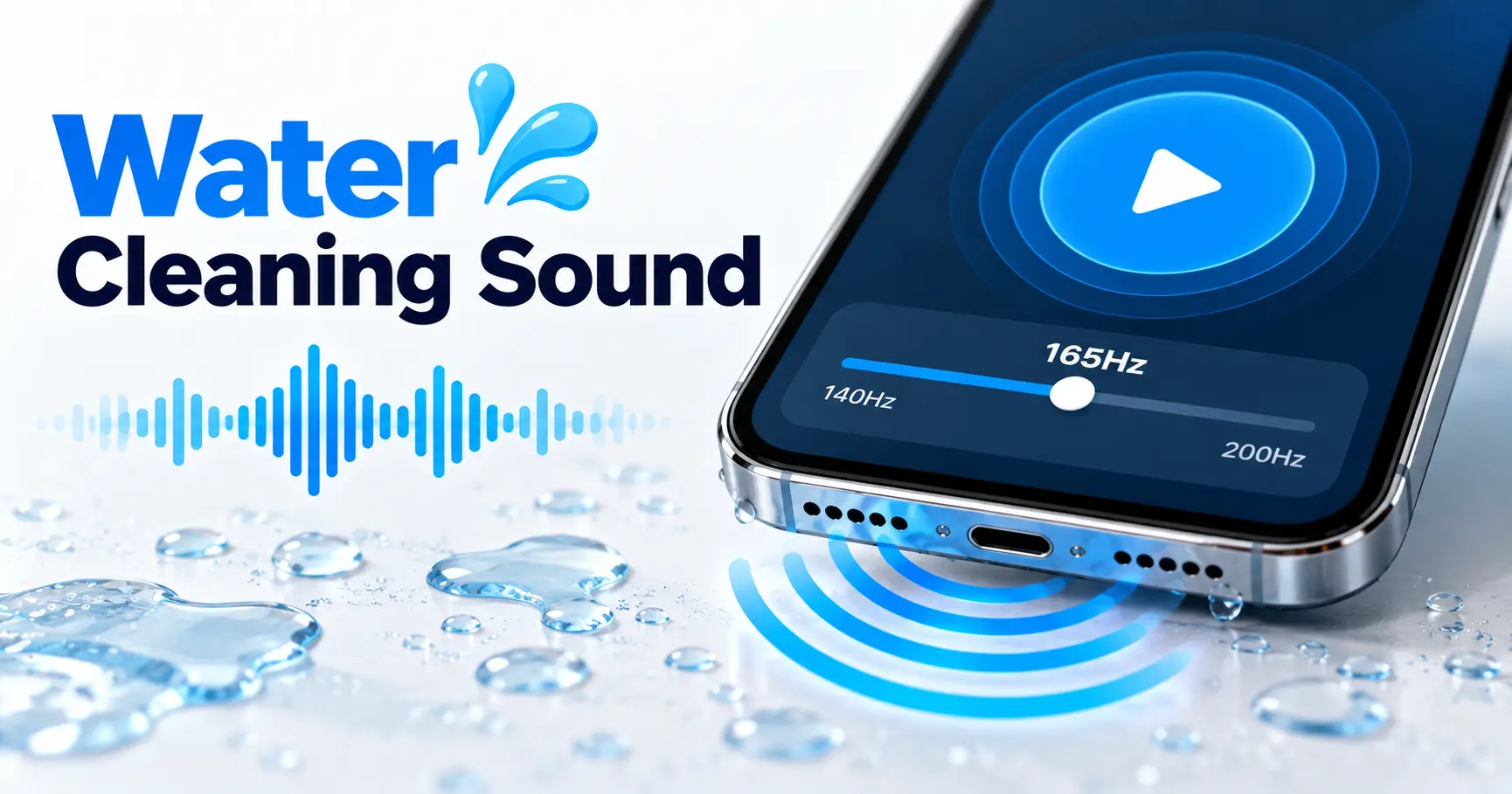
For moisture: Set the speaker face-down on a dry towel and play an acoustic cleaning cycle at full volume. The sound vibration pushes water droplets out through the grille opening. The free Fix My Speaker tool plays a 165Hz acoustic cleaning tone that ejects trapped water from speaker grilles. The same tool includes a dust mode that uses a low-frequency rumble to shake loose dry debris from inside the mesh. Use the Eject Water from Speaker tool directly if you know moisture is the cause.
After the cleaning cycle, tilt the speaker at a slight downward angle so any remaining droplets drain out. Run the cycle for two to three minutes, then wipe the grille dry with a clean lint-free cloth.
What not to do:
- No compressed air. High-pressure air can force debris deeper into the speaker assembly or tear the speaker mesh.
- No needles, toothpicks, or cotton swabs inside the grille holes.
- No heat sources. Hair dryers and heating vents soften the waterproof adhesive seals on portable models.
If muffled sound continues after two or three cleaning cycles, contact Sonos support. Persistent distortion after thorough drying may mean the voice coil has been damaged internally.
How Do You Clean and Maintain Sonos Speakers?
Speaker grilles collect dust, pet hair, cooking particles, and humidity over months of regular use. This gradually reduces acoustic output and bass response. A short monthly cleaning keeps your Sonos sounding the way it did on day one.

Monthly cleaning checklist:
- Set the speaker to standby before cleaning.
- Use a soft-bristle brush to sweep lightly across the grille. Brush side to side, not into the openings.
- Press and lift a strip of painter’s tape over the grille to remove surface lint.
- Run an acoustic cleaning cycle at full volume for two minutes using the Fix My Speaker Dust tool. This shakes loose any debris inside the mesh that a brush cannot reach.
- After cleaning, run a Speaker Sound Test to confirm the audio is full and clear.
For portable models like the Roam 2, Move 2, and Sonos Play:
These speakers go outdoors and face more debris and water exposure than home speakers. After any beach or poolside use, rinse the exterior under a small amount of fresh water to remove salt or chlorine residue, then run an acoustic cleaning cycle before storing. Salt left inside the grille corrodes the mesh fabric over time, even on IP-rated speakers.
For home theater speakers like the Arc Ultra and Beam Ultra:
These sit below TVs and pull in significant dust from floor-level airflow. A light monthly brush and a two-minute acoustic cycle prevent the center channel from developing a muffled quality. Many Sonos Arc users in the Sonos community forums report that a simple dust cleaning resolves center-channel muffle before any service is needed.
After any cleaning session, use the Stereo Sound Tester to confirm both left and right channels are balanced. If you have a surround setup, the Surround Sound Test checks all speaker positions at once.
What not to do during maintenance:
- No vacuum directly on the grille mesh. Suction can pull or tear the fabric.
- No compressed air. It forces dust deeper into the cabinet.
- No heat sources near the speaker housing.
- No sharp objects inside the grille openings.
What Streaming Services Work With Sonos?
Sonos supports over 100 streaming services. The main ones include Spotify (with full Spotify Connect support), Apple Music, Amazon Music, Tidal, Pandora, Deezer, Qobuz for hi-res audio, SiriusXM, TuneIn Radio, iHeartRadio, and YouTube Music.
Sonos also includes its own built-in service called Sonos Radio. It is free, ad-supported, and streams 60,000 radio stations worldwide, along with hand-picked channels curated by artists and DJs. SoundCloud works with Sonos as well, which is useful for independent music discovery.
Audio streams directly from the service to your speaker through the cloud. Your phone is only a remote. You can close the app, lock your phone, or step out of WiFi range and the music keeps playing without interruption.
AirPlay 2 gives iPhone and Mac users a second way to send audio to any Sonos speaker. Open any app on your device, tap the AirPlay icon, and select your Sonos speaker. This works without the Sonos app open and sends audio from any source, including video apps, directly to your speaker.
Keep Your Sonos Sounding Its Best
Sonos speakers are built to last, but like any acoustic device, they perform best when the grille stays clear and the driver stays dry. Most muffled sound problems are not hardware failures. They are physical blockages that take a couple of minutes to clear.
If your Sonos sounds quieter or muddier than it used to, run a free acoustic cleaning cycle at fixmyspeaker.tech before booking any repair. The 165Hz cleaning tone pushes trapped water and debris out of the speaker grille in under two minutes. No download needed. Open it in your browser, turn your volume all the way up, and let the sound do the work.
After cleaning, confirm your audio is back to full clarity with the free Speaker Sound Test.
Frequently Asked Questions About Sonos Speakers
Do Sonos speakers need WiFi to work?
Most Sonos speakers require a WiFi connection to stream music. The Roam 2 and Move 2 both support Bluetooth as a backup, so you can use them away from WiFi. Home theater products like the Arc Ultra, Beam Ultra, and Sub 4 cannot function without WiFi. Always check your network connection first when a Sonos speaker stops working.
How long do Sonos speakers last?
Sonos speakers are built for a hardware lifespan of five to ten years with regular use. The Sonos Trade Up program gives you 30% off a new speaker when you trade in an older eligible model. Dust and moisture are the two most common causes of early audio degradation. Both can be prevented with routine acoustic maintenance.
Can Sonos speakers get wet?
The Roam 2 carries an IP67 rating, which means it can handle full submersion up to one meter deep for 30 minutes. The Move 2 has an IP56 rating, which covers rain and splashing but not full submersion. The Sonos Play is also waterproof. Home speakers like the Era 100, Era 300, Arc Ultra, and Beam series carry no IP rating and should be kept away from water entirely. After any water exposure on a portable model, run an acoustic cleaning cycle to clear trapped droplets before corrosion sets in.
Why is my Sonos speaker not working?
Start with the basics. Check that the speaker has power and that your home WiFi is running. Open the Sonos app and look for any pending system updates. If the speaker appears in the app but produces no audio, check the room volume and the Sonos app volume separately. If the speaker has disappeared from the app entirely but the power light is still on, unplug the speaker for 30 seconds and plug it back in. If audio plays but sounds muffled, the grille may be blocked by dust or moisture.
How is Sonos different from Bose or Apple HomePod?
Sonos vs Bose: Both brands make premium wireless speakers, but Sonos is a multi-room WiFi system first. Bose focuses on standalone Bluetooth speaker performance and noise cancellation. Sonos supports more streaming services and gives you better whole-home audio sync.
Sonos vs Apple HomePod: The HomePod connects tightly to Apple Music and Siri. Sonos works with Apple Music alongside Spotify, Amazon Music, Google Assistant, Amazon Alexa, and over 100 other services. If you mix platforms, Sonos is the more open choice.
Are Sonos speakers compatible with older Sonos products?
Sonos split its system into two generations in 2020. The current S2 system covers all speakers sold after 2015. Pre-2015 devices like the original Zone Players and first-generation Play:5 no longer receive firmware updates and cannot join an S2 system. The Trade Up program offers a clear path to upgrading older hardware.
What should I do if my Sonos still sounds muffled after cleaning?
If muffled sound continues after two or three acoustic cleaning cycles and the grille looks visually clear, first re-run Auto TruePlay through the Sonos app to reset the room calibration. TruePlay miscalibrations can cause a dull or thin sound that mimics a physical blockage. If the audio is still distorted after that, and especially if you hear crackling or buzzing, contact Sonos support directly. Persistent crackling that does not clear after drying suggests the speaker driver may need professional service.