
If SoundCloud sounds muffled on your phone, the cause is usually one of two things: the app streams audio at 128kbps MP3 on mobile by default, or your phone speaker is physically blocked by water or dust. Open the same SoundCloud track on a desktop to check. If the desktop sounds clear and the phone sounds muffled, your speaker needs cleaning, not the app. A sound-frequency cleaning tool fixes this in under two minutes.
You open SoundCloud and play a track. The bass is flat. The vocals sound far away. You turn the volume up and it gets worse. You restart the app. Still the same problem.
Before you reinstall SoundCloud or dig through your audio settings, stop. The real cause might not be the app at all. In most cases where SoundCloud sounds muffled on a phone, the phone speaker itself is to blame. This guide shows you exactly how to tell the difference and how to fix your speaker in under three minutes.
Why Does SoundCloud Sound Muffled on My Phone?
SoundCloud can sound muffled on a phone for two main reasons: the app streams audio at 128kbps MP3 on mobile by default, which is lower quality than desktop, and phone speakers commonly develop physical blockages from water, dust, or lint that dampen sound output. The hardware blockage cause is the most missed and the easiest to fix.
SoundCloud audio quality bad on mobile is a real issue, but it is not always the app at fault. SoundCloud streams at 128kbps MP3 on mobile by default. That is a lower bit rate than the desktop version. SoundCloud Go and SoundCloud Go+ subscribers can unlock higher streaming quality on mobile. Still, even the best streaming setting sounds terrible through a speaker grill packed with debris.
Research shows around 72% of phones older than two years have some level of speaker grill debris blocking their sound output. That blockage builds slowly without you noticing. SoundCloud mobile app audio gets the blame first, but in most cases, the speaker mesh blockage is the real problem.
Two layers to check:
- App layer: 128kbps compression, loudness normalisation flattening bass, or a software bug in the SoundCloud app
- Hardware layer: Speaker diaphragm blocked by water droplets, dust, or lint trapped in the speaker grill
Is It SoundCloud or Your Speaker? How to Tell in 30 Seconds
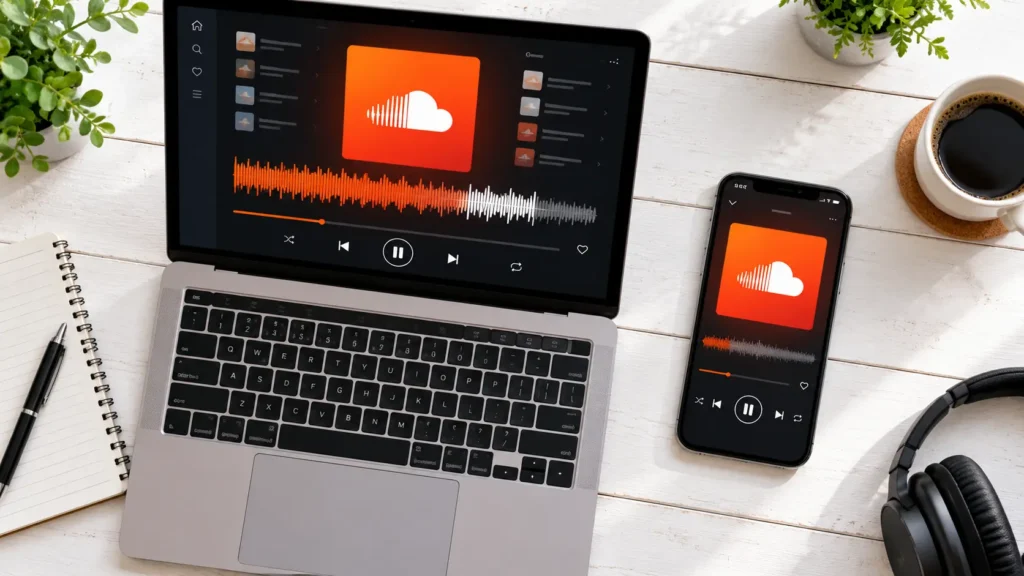
Open the same SoundCloud track on a desktop browser. If the desktop sounds clear and full but the phone sounds muffled or quiet, the issue is your phone speaker, not the SoundCloud app. If both sound equally flat, the problem is in the app settings or your account audio quality.
The 30-Second Diagnosis Test:
- Play any SoundCloud track on your phone. Pay attention to the bass and vocal clarity.
- Open the same track on a desktop or laptop at soundcloud.com. Use the same volume.
- Compare the two. Desktop clear, phone muffled? Your speaker has a blockage. Both sound bad? Check the app settings instead.
You can also run a second check. Play the same track on another music app on your phone, such as YouTube Music or Spotify. If that also sounds muffled, the phone speaker sounds muffled when playing music from any source, which confirms the speaker is the problem, not SoundCloud.
Why Your Phone Speaker Makes SoundCloud Sound Bad
SoundCloud tracks are heavy on bass and low frequencies. Think hip-hop, trap beats, lo-fi, and DJ mixes. These genres need the speaker diaphragm to move deeply back and forth, pushing air and creating that punchy, full sound.
When water gets into your phone speaker, it sits on the speaker mesh due to surface tension. Water droplets stuck to the diaphragm damp the low frequencies first. The bass drops out. Vocals go thin. The whole track sounds like it is playing through a wet cloth.
Water does not need to flood your phone to cause this. Steam from a shower, a light splash, or a few rain drops can leave enough moisture behind the speaker grill to ruin your listening session. Apple support community threads have documented iPhone users whose SoundCloud audio went “super quiet and dulled” while all other apps sounded fine. That is a textbook water-blocked speaker, not a SoundCloud problem.
Water damage accounts for around 39% of all phone speaker repairs, according to repair industry research. Phone speaker water ejection is the fix, not an app reinstall.
How Dust and Lint Block Your Speaker Grill
Phone speaker blocked by dust happens so slowly you never notice the moment it starts. Your phone sits in your pocket every day. Tiny fibers and fine particles press into the speaker grill opening. Over weeks and months, that debris forms a physical wall between the speaker cone and your ear.
The result is muffled streaming audio that gets worse gradually. There is no single moment it breaks. It just fades. Because it fades slowly, most users assume SoundCloud Go sound quality dropped or the app changed something. It did not. The speaker mesh just got blocked.
SoundCloud Go or SoundCloud Go+ subscription settings cannot fix a blocked speaker. Distorted bass on phone, phone audio crackling at high volume, and quiet sound during calls are all signs the speaker grill needs cleaning, not the streaming platform.
How to Fix a Muffled SoundCloud Speaker in Under 3 Minutes
Step 1: Wipe the Outside and Disconnect All Cables
Disconnect your charging cable and remove your phone case before you start. Wipe the outside of the phone with a dry, lint-free cloth. Pay close attention to the speaker grill at the bottom and the earpiece at the top. Removing the case prevents water from running back into other ports during the cleaning process.
Step 2: Run an Acoustic Cleaning Tone at Maximum Volume
Open Fix My Speaker at fixmyspeaker.tech on your phone browser. Set your device volume to 100%. Press the play button to start the water ejection tone.
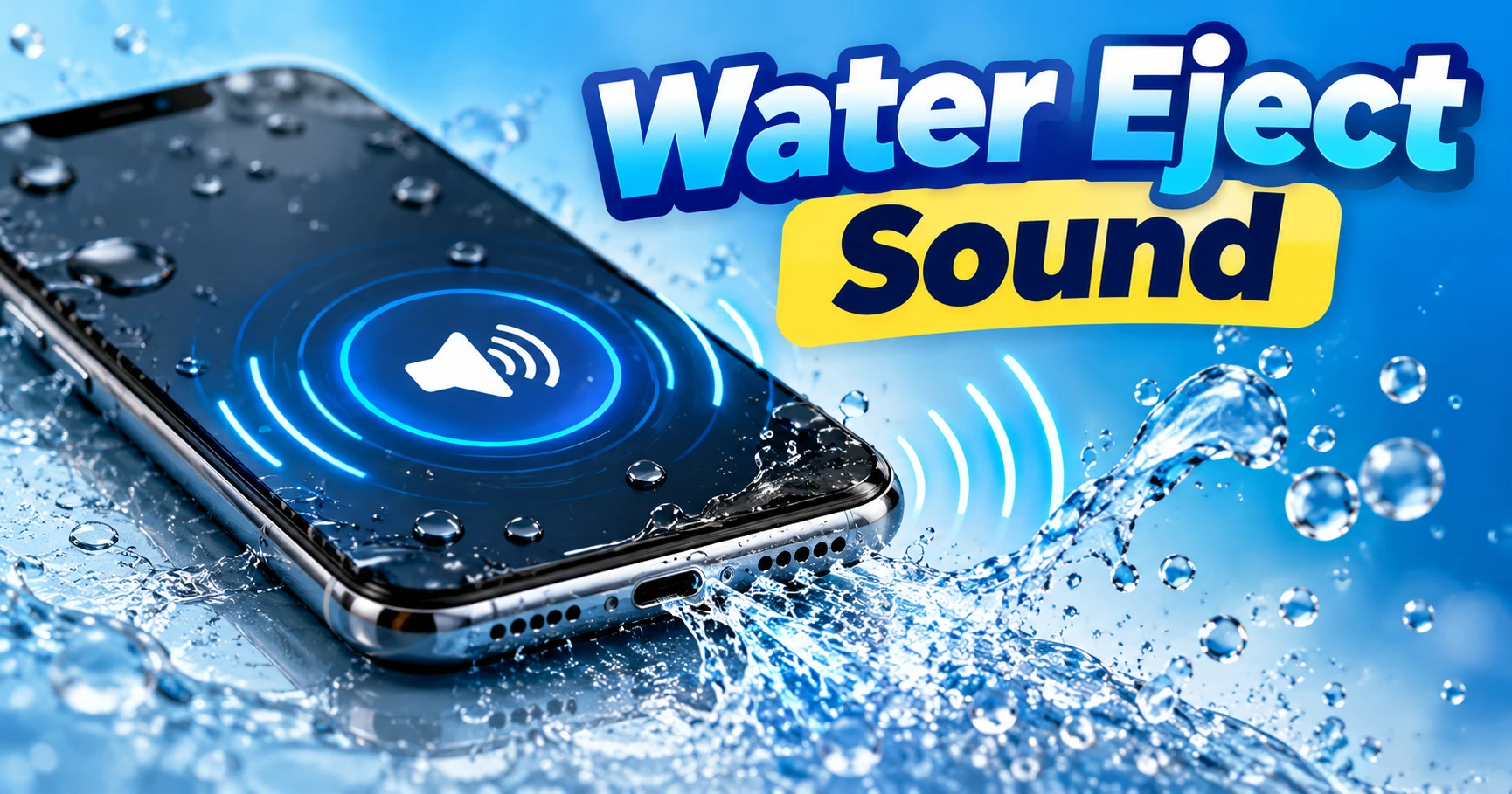
Fix My Speaker plays a 165Hz resonant frequency tone. This specific pitch sits in the sweet spot for acoustic cleaning. It is low enough to physically shake water loose from the speaker diaphragm, and high enough to create the air movement needed to push it out through the grill. Ultra-low bass cannot push heavy water droplets. Ultra-high treble cannot shift their weight. The 165Hz tone does both at the same time.
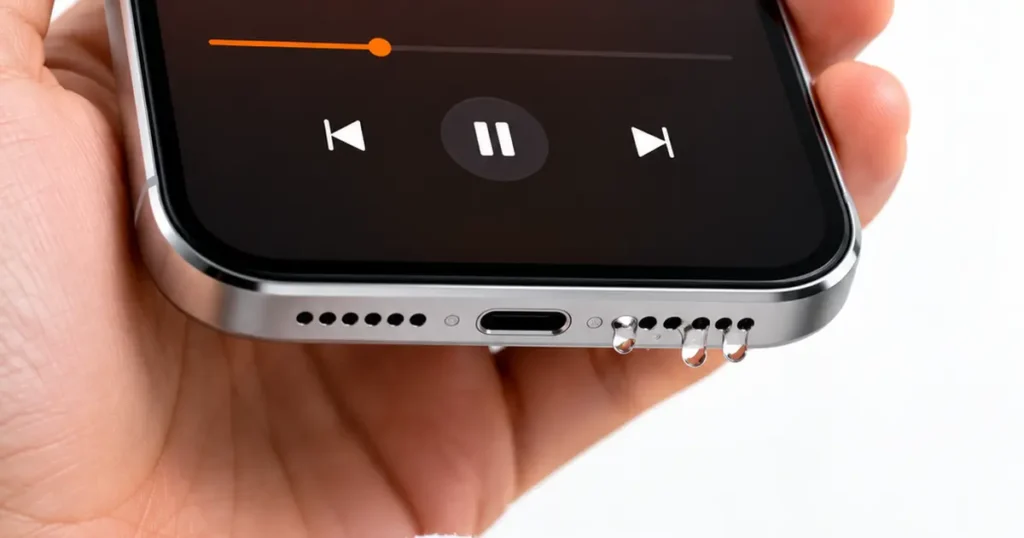
This is sound wave frequency ejection, and it works on iPhone, Samsung Galaxy, Android phones, iOS devices, earbuds, and laptops. Hold the phone with the speaker grill pointing toward the floor while the tone plays. Run the tone for 90 seconds to two minutes. For heavier water exposure, run it for up to three minutes with short breaks between cycles.
Watch the speaker grill as the tone plays. You will often see tiny water droplets bead up on the outside of the mesh. Wipe them away with a soft cloth as they appear.
Eject Water from Your Phone Speaker
Step 3: Tilt the Phone and Wipe Away Expelled Water or Dust
Keep the phone tilted downward, speaker facing the floor, for the full cleaning session. The combination of the acoustic tone and gravity pulls water droplets out through the grill. After the first cycle, check the grill. If water or debris is visible on the surface, wipe it away with a dry cloth.
Run a second cycle if you still hear muffled audio. Most users need only one or two cycles for daily splashes or moisture buildup. Full submersion in water may need three to five cycles spread over a few minutes with 30-second breaks between them.
Step 4: Test SoundCloud Playback After Cleaning
After cleaning, open SoundCloud and play a track with strong bass and clear vocals. Listen for:
- Full, punchy bass coming back
- Clear vocals without the underwater effect
- No phone audio crackling at normal listening volume
- Consistent volume that does not shift up and down
You can also run a calibrated check at the speaker sound test on fixmyspeaker.tech. It plays test tones at specific frequencies so you can hear your speaker performing across the full audio range. If the test tones sound clean and clear, your SoundCloud audio quality should be back to normal.
What If the Speaker Is Clean but SoundCloud Still Sounds Muffled?
If your phone speaker is clean and SoundCloud still sounds muffled on mobile, the issue is likely the app’s 128kbps mobile streaming, loudness normalisation flattening the bass response, or a phone audio enhancement setting that is over-processing the signal.
Try these app-side steps one at a time:
- Check SoundCloud audio quality settings: If you have SoundCloud Go or SoundCloud Go+, go to Settings inside the app and raise the streaming quality to the highest available option. SoundCloud 128kbps mobile audio is the default on free accounts.
- Turn off phone audio enhancements: Go to your phone Sound settings and turn off Dolby Atmos, DTS, or any custom audio enhancement. These features can over-compress bass and create a muffled effect on streaming audio.
- Check for rogue Bluetooth routing: If your phone recently disconnected from a Bluetooth speaker or headphones, it sometimes keeps routing audio that direction. Turn Bluetooth off and back on, then test SoundCloud again.
- Clear the SoundCloud app cache: On Android, go to Settings, Apps, SoundCloud, then tap Clear Cache. On iPhone, delete and reinstall the app.
- Test a different SoundCloud track: Some older or lower-quality tracks on SoundCloud are uploaded at low bit rates. Test with a recent, popular track to compare.
If none of these steps fix the issue, visit Fix My Speaker Volume for guidance on low-volume and distortion issues specific to your device.
Does SoundCloud Sound Quality Differ Between Phones?
Yes. SoundCloud audio sounds different across phones because of speaker hardware quality, speaker age and cleanliness, audio processing chips, and factory sound enhancement settings. A newer flagship phone often sounds noticeably better than an older mid-range device playing the same SoundCloud track at the same volume.
Two people can listen to the same SoundCloud track at the same volume and hear very different things. One person has a clean iPhone 16 Pro. The other has a two-year-old Android mid-range phone with a speaker grill full of pocket lint. The track is identical. The speaker hardware is not.
SoundCloud Global Limited and Co. KG, the Berlin-based company that built SoundCloud, streams the same audio file to all users. What changes is how your phone speaker reproduces it. Speaker driver size, voice coil quality, acoustic chamber design, and cleanliness all shape what you hear.
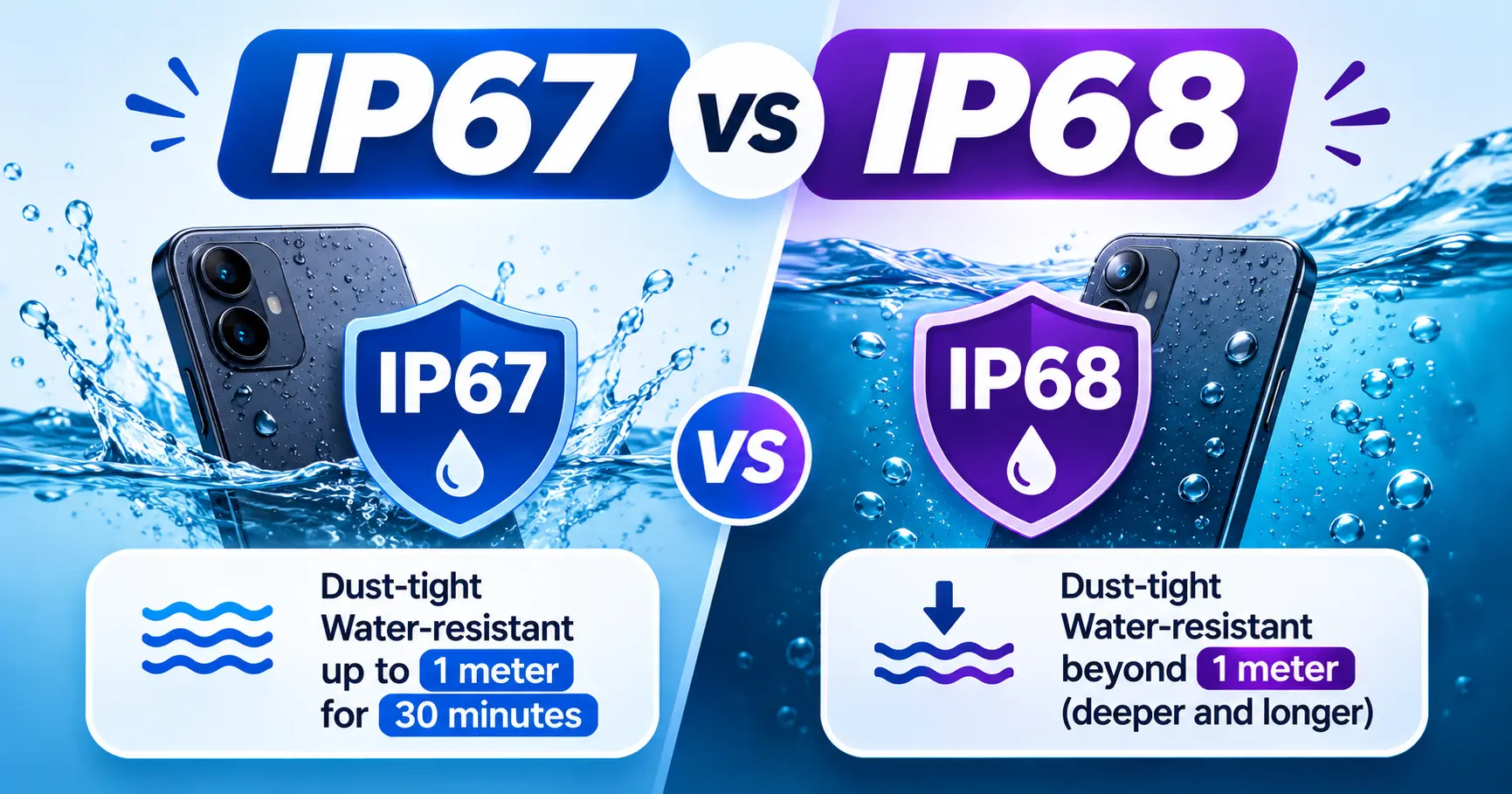
IP67 and IP68 water-resistance ratings on phones like the Samsung Galaxy S series are helpful, but they wear down over time. A phone that was fully water resistant when new may let in more moisture two years later when the rubber seals have aged. Regular phone speaker water ejection keeps the speaker performing as it should.
To check how your stereo audio is performing right now, run a test at the stereo sound tester on fixmyspeaker.tech. It plays separate tones through the left and right channels so you can spot if one side is quieter or blocked.
How to Keep Your Phone Speaker Clean for Better SoundCloud Audio
The best way to keep SoundCloud sounding sharp is to clean your speaker before a blockage builds up. These four habits take under five minutes a month:
- Run a dust cleaning cycle once or twice a month: Use Fix My Speaker’s dust mode to run a low-frequency vibration cycle. This shakes loose dry pocket debris before it gets packed into the speaker grill openings.
- Brush the grill gently: A soft, dry toothbrush swept across the speaker holes removes surface lint without pushing debris deeper inside. Do this before running the acoustic cleaning tone for best results.
- Clean right after any water contact: Phone speaker water ejection works best within minutes of getting wet. The longer water sits inside the speaker grill, the further it migrates toward sensitive internal components. Act fast.
- Do not keep your phone face-down on dusty surfaces: Dust enters through the speaker mesh every time your phone sits on a dusty table, workshop bench, or gym floor.
Monthly acoustic cleaning keeps your speaker mesh blockage-free and your SoundCloud Go sound quality at its best year-round.
Your SoundCloud Sounds Better With a Clean Speaker
If your tracks have sounded flat, quiet, or muffled lately, do not spend another session listening at half quality. Fix My Speaker is free, runs in your browser with no download needed, and most users hear a clear difference in the first 60 seconds.
Eject Water and Clean My Speaker Now
Frequently Asked Questions
Why does SoundCloud sound bad only when I play it loud on my phone?
Playing SoundCloud at high volume through a partially blocked speaker pushes the speaker diaphragm into trapped debris or water droplets. The cone clips against the obstruction and produces distortion. Clean your speaker first, then re-test at volume. If distortion continues after cleaning, the voice coil may have physical damage that a sound tool cannot repair.
Can water in my phone speaker make SoundCloud sound like it is playing underwater?
Yes. This is the most common sign of a water-blocked speaker. Water sitting behind the speaker mesh damps high frequencies and kills bass response, creating that classic underwater effect. Surface tension keeps the water stuck to the diaphragm. Running a 165Hz resonant frequency tone for one to two minutes breaks that surface tension and pushes the water out, usually within the first 60 seconds.
Will using a speaker cleaning sound void my phone warranty?
No. Playing audio through a browser is a standard phone function and cannot void your warranty. Only physical liquid contact that trips the internal Liquid Contact Indicator strip voids a standard warranty. Cleaning water out of your speaker quickly is actually the best way to protect your warranty, not a risk to it.
Does SoundCloud stream at lower audio quality on mobile than on desktop?
Yes. SoundCloud streams at 128kbps MP3 on mobile by default, which is lower quality than the desktop version. SoundCloud Go+ subscribers can access higher-quality streaming on mobile. Still, a blocked speaker will make even high-quality SoundCloud audio sound muffled. Always fix the speaker hardware first before adjusting app settings.
How often should I clean my phone speaker if I use SoundCloud every day?
Clean your phone speaker once or twice a month if you listen to music daily. Clean it right away after any water contact. If you work in construction, carry your phone in a dusty pocket, or commute by bike in rain, weekly cleaning keeps your speaker grill clear and your SoundCloud audio sharp every session.